

Is Your SharePoint Implementation Ready for Copilot?
Preparing your SharePoint environment for Copilot should therefore be viewed as both an information management exercise and a security initiative, and this phase of your Copilot roll-out should be a priority!
Auditing SharePoint for Copilot Readiness
1 Day
Duration
Intermediate
Level
AU$650+GST
per person
Course Overview
This technical workshop provides Microsoft 365 administrators and governance specialists with a structured approach to assessing SharePoint and OneDrive for Microsoft 365 Copilot readiness.
Participants will examine access, sharing, site lifecycle, content quality and governance risks; use Microsoft reporting and SharePoint Advanced Management capabilities to identify areas requiring attention; and plan recommended remediation. Demonstrations and guided activities culminate in a practical readiness scorecard and prioritised remediation roadmap.
Audience
This course is designed for SharePoint Administrators, Microsoft 365 Administrators, information governance specialists, records and compliance teams, security professionals, digital workplace teams and consultants responsible for preparing Microsoft 365 environments for Copilot and Copilot agents.
If you're looking for hands-on Copilot training, check out our full range of Copilot courses.
Course Prerequisites
Participants should have practical experience administering SharePoint Online and Microsoft 365 Groups. Familiarity with SharePoint permissions, external sharing and the SharePoint admin centre is expected. Awareness of Microsoft Purview, sensitivity labels and Microsoft 365 Copilot is helpful but not essential. Access to relevant administrative capabilities is required for hands-on tenant activities.
Registering Multiple Participants?
Save up-to 20% when registering multiple participants on select courses.
Do you have 5 or more participants?
Private courses are more cost-effective if you're looking to upskill 5 or more people.
Prerequisites
SharePoint for Site Owners
Alternative Courses
Preparing SharePoint for Copilot

Next Steps...
Copilot Cowork

Copilot for Super Users
Course Modules
Module 1: Copilot Data Access and Readiness Foundations
This module establishes the technical model used throughout the workshop. Participants will examine how Copilot and agents retrieve Microsoft 365 content, respect existing access controls and depend on well-governed information sources.
- Copilot grounding, Microsoft Graph and Microsoft Search
- Permission trimming and existing access boundaries
- SharePoint, OneDrive, Teams and Microsoft 365 Groups
- Security versus discoverability controls
- Readiness risks associated with oversharing, stale content and poor ownership
- Building a risk-based assessment scope
Module 2: Assessing the Environment
This module introduces the reports and administrative capabilities used to establish a readiness baseline. Participants will learn how to interpret findings, prioritise high-risk sites and distinguish issues requiring immediate containment from longer-term improvement.
- Microsoft Copilot readiness and usage reporting
- SharePoint Content Management Assessment
- Identifying inactive, ownerless and potentially overshared sites
- Reviewing sharing, permission and sensitivity findings
- Prioritising sites by business impact and content risk
- Creating a readiness scorecard and evidence register
Module 3: Auditing Permissions and Sharing
This module provides a detailed examination of SharePoint and OneDrive access. Participants will review common permission pathways, identify access that no longer reflects business intent and plan proportionate remediation.
- Tenant, site, group, library, folder and item-level access
- Direct access, group-based access and sharing links
- Everyone except external users and other broad audiences
- External sharing and anonymous link exposure
- Broken inheritance and excessive unique permissions
- Data Access Governance reports and site access reviews
- Validating access changes without disrupting legitimate collaboration
Module 4: Containing Risk During Remediation
This module examines controls that can reduce exposure while detailed review and clean-up activities are underway. Participants will compare access restrictions with discovery restrictions and select controls appropriate to different risk scenarios.
- Restricted Content Discovery
- Restricted Access Control
- Restricted SharePoint Search as a transitional control
- Sensitivity labels and information protection considerations
- Balancing containment with search and Copilot usefulness
- Documenting approvals, exceptions and rollback decisions
Module 5: Improving Content and Information Architecture
This module examines controls that can reduce exposure while detailed review and clean-up activities are underway. Participants will compare access restrictions with discovery restrictions and select controls appropriate to different risk scenarios.
- Restricted Content Discovery
- Restricted Access Control
- Restricted SharePoint Search as a transitional control
- Sensitivity labels and information protection considerations
- Balancing containment with search and Copilot usefulness
- Documenting approvals, exceptions and rollback decisions
Module 6: Implementing Lifecycle and Governance Controls
This module focuses on ongoing governance using site lifecycle policies, ownership controls and review processes. Participants will learn how automated policies and delegated reviews can reduce future content sprawl and permission drift.
- Site ownership policies
- Inactive site policies and Microsoft 365 Archive
- Site attestation and recurring access reviews
- External sharing standards and default link settings
- Governance roles and escalation paths
- Monitoring, reporting and evidence retention
- Integrating SharePoint governance with Microsoft Purview
Module 7: Designing the Remediation Roadmap
The final module consolidates workshop findings into an actionable delivery plan. Participants will define priorities, owners, dependencies and measures for progressing from assessment through remediation to continuous governance.
- Classifying findings by risk, effort and business impact
- Quick wins versus structural improvements
- Pilot groups and phased Copilot rollout
- Change control, communications and owner engagement
- Readiness measures and decision gates
- Creating a 30, 60 and 90-day remediation roadmap
- Next steps for technical validation and governance adoption
Upcoming Dates...
Related Courses...
Course Inclusions...
Certified Trainers
All our trainers are Microsoft 365 experts in their own right, and must first be qualified to teach in our own World Education Alliance (WEA) Training Certification Program before delivering any of our courses.
We feel that it is important that all of the trainers and instructors can take their real-world experiences into the classroom, in order to ensure that they are well equipped to respond to any queries and questions which may be put their way, as well as give accurate and relevant guidance in the most appropriate methods to leverage the technology which SharePoint and its related tools provide.
Course Materials Provided
Our Microsoft 365 courseware is known as being some of the best training materials in the world.
FREE Email Support
We offer free post-course support with all of our courses, available via email, telephone, or our Viva Engage community.
FREE Re-sits within 10 Months
Once you've attended any of our public courses, you can re-sit the same course as many times as you like within the next 10 months, as long as your re-sit course has reached the minimum number of paid attendees required to go ahead.
Certificate of Completion
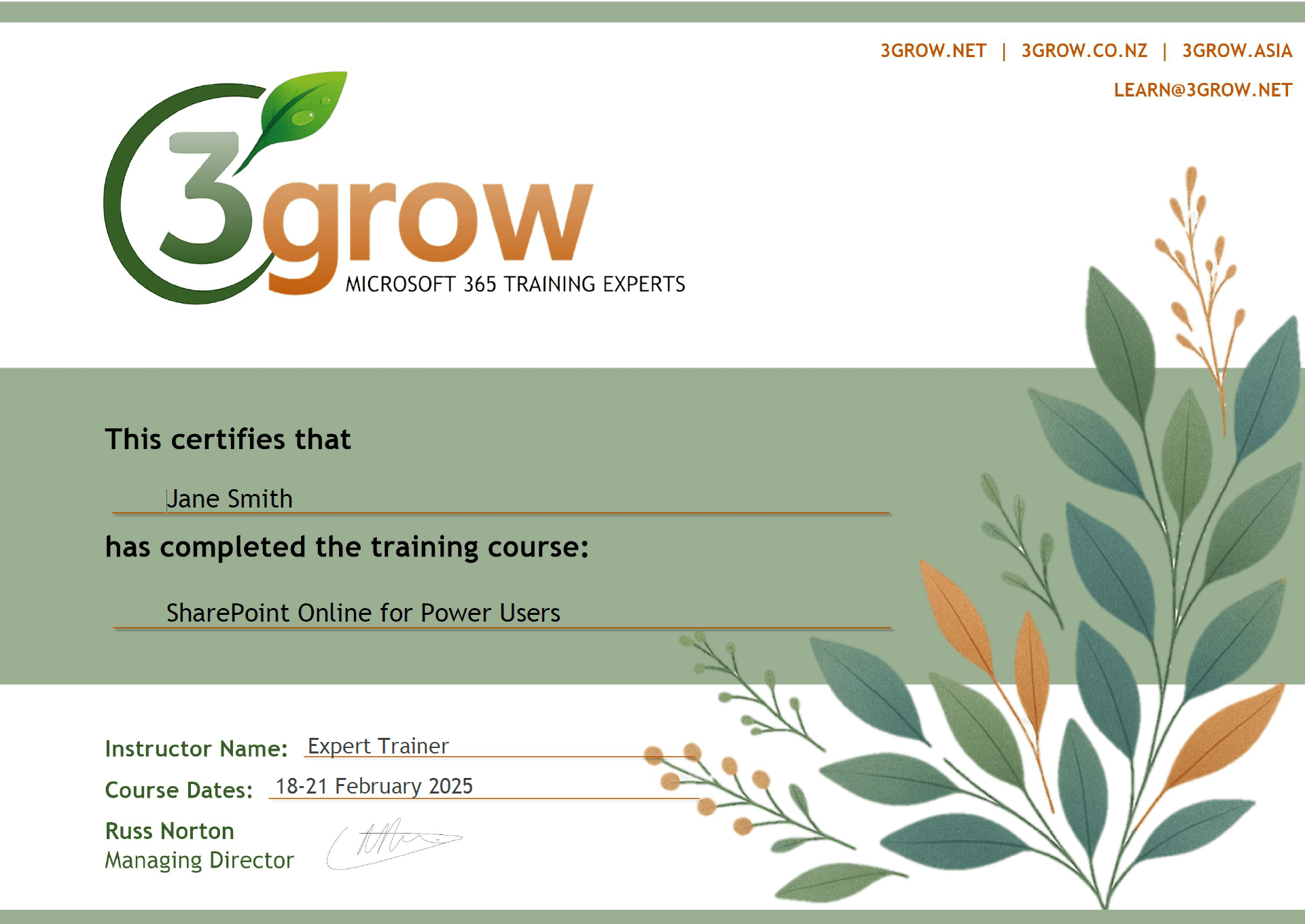
Anyone attending a 3grow course will be provided with a personalised certificate of completion.
Get Hands-on Experience
All 3grow courses include plenty of hands-on experience, delivered via a combination of instructor-led follow-along demos and comprehensive lab exercises.
Personal Class Sizes
Although we allow a maximum of only 10 attendees on our public courses, the average is around 5 students, therefore each participant will leave the course feeling like they received the personal attention they deserve.

