Is Your SharePoint Implementation Ready for Copilot?
Preparing your SharePoint environment for Copilot should therefore be viewed as both an information management exercise and a security initiative, and this phase of your Copilot roll-out should be a priority!
Microsoft 365 Copilot for End Users
1 Day
Duration
Beginners
Level
AU$650+GST
per person
Please note that this course covers the same content as day 1 of our 2-day Microsoft 365 Copilot for Super Users course
Course Overview
This Microsoft 365 Copilot course will teach students who are new or unfamiliar with Microsoft Copilot how to use it effectively in common situations. The course focuses on Copilot for Microsoft 365, using the AI tool within applications like SharePoint, Word, PowerPoint, Excel, Outlook, OneNote and Teams.
We also cover other popular Copilot experiences found in Windows 11, Edge and the Copilot website. Through this course, we will help you understand and use Copilot, enhancing your productivity, help you generate new ideas and review your work.
Audience
This course is for students that are looking to learn how to use Copilot alongside their Microsoft 365 apps, such as Word, Excel, Outlook and more.
Course Prerequisites
No previous experience of Microsoft 365 Copilot is required in order to attend our Copilot training course, however participants should have a working knowledge of the fundamentals of the Microsoft Office suite. Some experience using SharePoint & Microsoft Teams would be advantageous.
If you're looking for more targeted Copilot training, check out our full range of Copilot courses.
Registering Multiple Participants?
Book 2 seats or courses in the same category to save 10%, or 3+ seats to save 20%.
Do you have 5 or more participants?
Private courses are more cost-effective if you're looking to upskill 5 or more people.
Course Modules
Module 1: An Introduction to Copilot
This module will cover the benefits of Microsoft Copilot and how it can support you with creative tasks, boost your productivity and enhance your existing content. This will start with a background on artificial intelligence (AI) and its history followed by a summary of Copilot, explaining how it can work with Windows 11, Bing, Microsoft 365, applications (like Word, PowerPoint, Excel, OneNote), the Power Platform and more. We will also examine the licensing for Copilot and understand how the data of your information is used during Copilot sessions. Finally, we will show you how to write effective prompts within Copilot chat and start your AI journey.
- What is AI
- A history of AI
- Cortana
- Introducing Microsoft Copilot
- Large Language Models
- Copilot Pro
- Microsoft 365 Copilot
- Licensing
- Exploring Copilot
- Web chat-based productivity tool
- Copilot in Bing
- Copilot in Microsoft Edge
- Copilot in Windows 11
- Copilot mobile apps
Module 2: Getting ready for Microsoft 365 Copilot
Copilot is a new technology that many businesses are preparing for, but what does it entail? The main issue is that some organizations have a problem called oversharing, which happens when users can easily share files and folders through services like OneDrive, Teams and SharePoint. Users should only have the access they need to do their work, and if this was true, Copilot would not pose any risk as it would only produce responses from properly referenced materials. In this module, we will explore some actions that can improve the security of data sources that Copilot for Microsoft 365 can use, and also some choices that administrators can make that affect Copilot for Microsoft 365.
Although we will discuss some settings and services that are controlled by administrators, this course is focused on the perspective of an end user. Note that there are some options that can be turned on or off that would influence an end user. Knowing what experiences can be changed is important so that you can understand how Copilot will be presented to you, have more informed discussions with Copilot business stakeholders, and also manage the content that you own within your organisation to make sure that Copilot has access to the right information to be helpful to you and your colleagues.
- Getting your information ready
- Data security and compliance
- Global settings
- Purview
- Just enough access
- Microsoft 365 Groups
- SharePoint and Teams
- Sharing
- End user requirements
- Setting up Microsoft 365 Copilot
- Assigning licenses
- Center of excellence
- Deleting interaction history
Module 3: Using Copilot with Microsoft 365 Apps
In this module, you will learn how to use Copilot with various Microsoft 365 apps to boost your productivity and creativity. We will firstly look at how having a Microsoft 365 Copilot license changes the chat experience in copilot.microsoft.com and how you will find the Copilot app around Microsoft 365. You will then explore how to use Copilot in SharePoint, Word, PowerPoint, Excel, OneNote, Outlook, and Microsoft Designer. You will see how Copilot can generate relevant and engaging text, suggest data visualisations, create professional-looking slides, take smart notes, compose effective emails, and more.
Throughout this module we will reference scenarios which we have collated from a range of partners we work with. This will not only help you to understand how to use Copilot in these Microsoft Apps but also understand how these features are changing the way we work.
- Copilot for Microsoft 365 chat
- Copilot in Microsoft 365 apps
-
- Word
- PowerPoint
- Excel
- OneNote
- Outlook
- Designer
- SharePoint
Module 4: Using Copilot in Microsoft Teams
Microsoft Teams is a versatile application for many workers, combining several existing services into a single platform including instant messenger, file storage, tasks, reporting, managing audiences and more. Copilot works seamlessly with the built-in features of Microsoft Teams but also enhances other Microsoft 365 services that connect with Microsoft Teams as well. In this module we will learn how Copilot can make working in Microsoft Teams much better and how Copilot can help those who use apps within Microsoft Teams.
- Copilot in Teams
- Meetings
- Chats and channels
- Copilot in Teams apps
- Loop
- Whiteboard
- Planner
- Stream
- Forms
Microsoft Training Packages Available
Book two seats on any SharePoint, Copilot, Power Automate, Power Apps, Power BI or Microsoft Office courses to receive a 10% discount, or three or more seats for a 20% discount.
- Discount automatically applied at check-out. See Terms & Conditions for more info.
Upcoming Dates...
Related Courses...
Course Inclusions...
Certified Trainers
All our trainers are Microsoft 365 experts in their own right, and must first be qualified to teach in our own World Education Alliance (WEA) Training Certification Program before delivering any of our courses.
We feel that it is important that all of the trainers and instructors can take their real-world experiences into the classroom, in order to ensure that they are well equipped to respond to any queries and questions which may be put their way, as well as give accurate and relevant guidance in the most appropriate methods to leverage the technology which SharePoint and its related tools provide.
Course Materials Provided
Our Microsoft 365 courseware is known as being some of the best training materials in the world.
FREE Email Support
We offer free post-course support with all of our courses, available via email, telephone, or our Viva Engage community.
FREE Re-sits within 10 Months
Once you've attended any of our public courses, you can re-sit the same course as many times as you like within the next 10 months, as long as your re-sit course has reached the minimum number of paid attendees required to go ahead.
Certificate of Completion
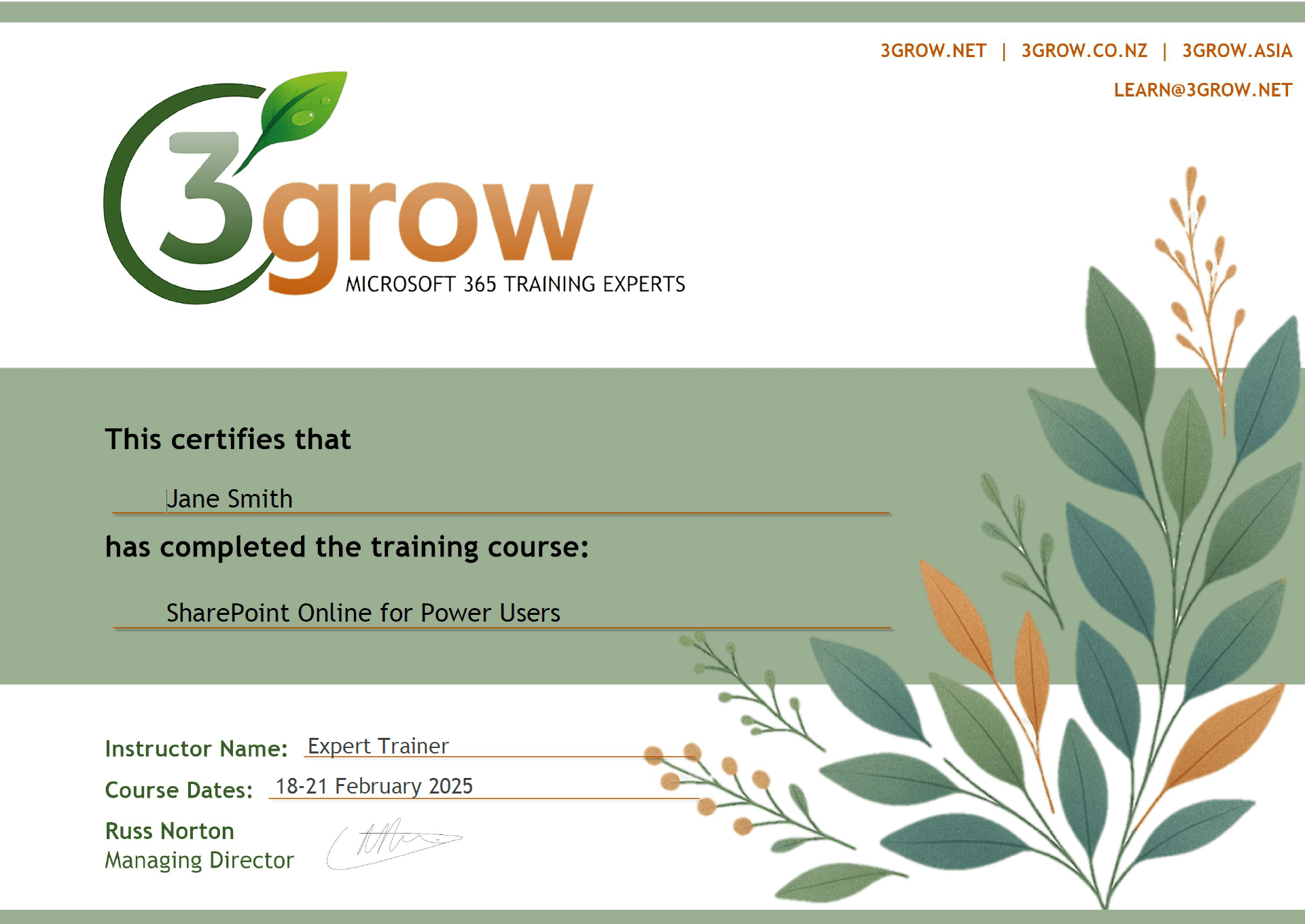
Anyone attending a 3grow course will be provided with a personalised certificate of completion.
Get Hands-on Experience
All 3grow courses include plenty of hands-on experience, delivered via a combination of instructor-led follow-along demos and comprehensive lab exercises.
Personal Class Sizes
Although we allow a maximum of only 10 attendees on our public courses, the average is around 5 students, therefore each participant will leave the course feeling like they received the personal attention they deserve.
Prerequisites
N/A
Alternative Courses
Copilot for Super Users

Next Steps...
Copilot Advanced
Copilot Cowork