
Unsure what Copilot Cowork actually is...?!
If you've been anywhere near Microsoft 365 news lately, you'll have heard the term agentic AI thrown around like confetti at a wedding. Microsoft's latest addition to the Copilot family is Cowork
Microsoft 365 Copilot Cowork
3 Hours
Duration
Beginners
Level
AU$290+GST
per person
Course Overview
Microsoft Copilot Cowork introduces participants to Microsoft's next generation AI-powered digital co-worker. Unlike traditional chat-based AI assistants, Cowork can reason across organisational information, perform multi-step tasks, coordinate actions, and help users complete complex business processes.
This practical course teaches participants how to effectively collaborate with Cowork, delegate work, analyse information from Microsoft 365, automate routine activities, and improve productivity through intelligent assistance. Through demonstrations and hands-on exercises, attendees will learn how to use Cowork to prepare reports, research information, manage projects, support decision-making, and streamline everyday business tasks.
Audience
This course is designed for business users, managers, project coordinators, team leaders, administrators, and knowledge workers who want to understand how AI assistants can help them work more efficiently. It is suitable for organisations adopting Microsoft Copilot and exploring agentic AI capabilities within Microsoft 365 and business processes.
If you're looking for more comprehensive Copilot training, check out our full range of Copilot courses.
Course Prerequisites
No previous experience with Microsoft Copilot Cowork is required. Participants should have a working knowledge of Microsoft 365 applications such as Outlook, Teams, OneDrive, SharePoint, Word, and Excel. Familiarity with everyday business processes and collaboration tools will be advantageous.
Registering Multiple Participants?
Book 2 seats or courses in the same category to save 10%, or 3+ seats to save 20%.
Do you have 5 or more participants?
Private courses are more cost-effective if you're looking to upskill 5 or more people.
Course Modules
Module 1: Introduction to Copilot Cowork
This module introduces the concept of AI-powered digital co-workers and explains how Microsoft Copilot Cowork differs from traditional chat assistants. Participants will learn how Cowork can assist with business activities, coordinate work across Microsoft 365, and support knowledge workers through reasoning, planning, and task execution. The module also explores responsible AI principles, data access considerations, and common business use cases.
- What is Microsoft Copilot Cowork?
- Agentic AI versus conversational AI
- Understanding digital co-workers
- How Cowork works with Microsoft 365
- Business use cases and scenarios
- Security, privacy and permissions
- Responsible AI fundamentals
- The future of workplace productivity
Module 2: Finding, Understanding & Using Organisational Knowledge
This module focuses on how Cowork can help users gather information across Microsoft 365 and transform it into useful business insights. Participants will learn how to search for information, create summaries, identify actions and decisions, and generate meaningful outputs from content stored across meetings, emails, chats, and documents.
- Enterprise search and information discovery
- Working with emails, meetings and chats
- Analysing documents and files
- Creating executive summaries
- Generating project status reports
- Extracting actions, decisions and risks
- Research and information gathering
- Creating stakeholder briefing
Module 3: Prompting & Delegating Work Effectively
This module teaches participants how to communicate effectively with Cowork and provide clear instructions that produce high-quality results. Using a practical framework, participants will learn how to define objectives, provide context, reference supporting information, and specify output requirements. They will also learn techniques for refining and improving responses.
- Writing effective instructions
- Goal-based prompting
- Providing business context
- Working with source documents and links
- Defining output formats and expectations
- Iterative prompting techniques
- Improving accuracy and relevance
- Reviewing and validating AI-generated content
Module 4: Business Process & Workflow Assistance
This module demonstrates how Cowork can assist with multi-step business processes and routine operational activities. Participants will explore practical scenarios where Cowork can plan, coordinate, and support tasks that would traditionally require significant manual effort. The focus is on improving productivity while maintaining appropriate human oversight.
- Understanding workflow assistance
- Task planning and coordination
- Project management support
- Meeting preparation and follow-up
- Customer enquiry management
- Knowledge management workflows
- Working alongside Power Automate
- Human review and governance practice
Module 5: Personalisation, Adoption & Best Practices
This final module helps participants customise their Cowork experience and establish sustainable AI working practices. The session explores personalisation options, adoption strategies, and practical guidance for embedding Cowork into daily work routines. Participants will leave with a clear understanding of where Cowork can deliver immediate value within their role.
- Personalising the Cowork experience
- Custom instructions and preferences
- Building effective daily workflows
- AI-assisted productivity habits
- Common mistakes to avoid
- Adoption and change management
- Measuring success and value
- Next steps and learning resources
Microsoft Training Packages Available
Book two seats on any SharePoint, Copilot, Power Automate, Power Apps, Power BI or Microsoft Office courses to receive a 10% discount, or three or more seats for a 20% discount.
- Discount automatically applied at check-out. See Terms & Conditions for more info.
Upcoming Dates...
Prerequisites
N/A
Alternative Courses
Copilot for End Users
Enhance Productivity with Copilot
Next Steps...
Copilot Advanced
Related Courses...
Course Inclusions...
Certified Trainers
All our trainers are Microsoft 365 experts in their own right, and must first be qualified to teach in our own World Education Alliance (WEA) Training Certification Program before delivering any of our courses.
We feel that it is important that all of the trainers and instructors can take their real-world experiences into the classroom, in order to ensure that they are well equipped to respond to any queries and questions which may be put their way, as well as give accurate and relevant guidance in the most appropriate methods to leverage the technology which SharePoint and its related tools provide.
Course Materials Provided
Our Microsoft 365 courseware is known as being some of the best training materials in the world.
FREE Email Support
We offer free post-course support with all of our courses, available via email, telephone, or our Viva Engage community.
FREE Re-sits within 10 Months
Once you've attended any of our public courses, you can re-sit the same course as many times as you like within the next 10 months, as long as your re-sit course has reached the minimum number of paid attendees required to go ahead.
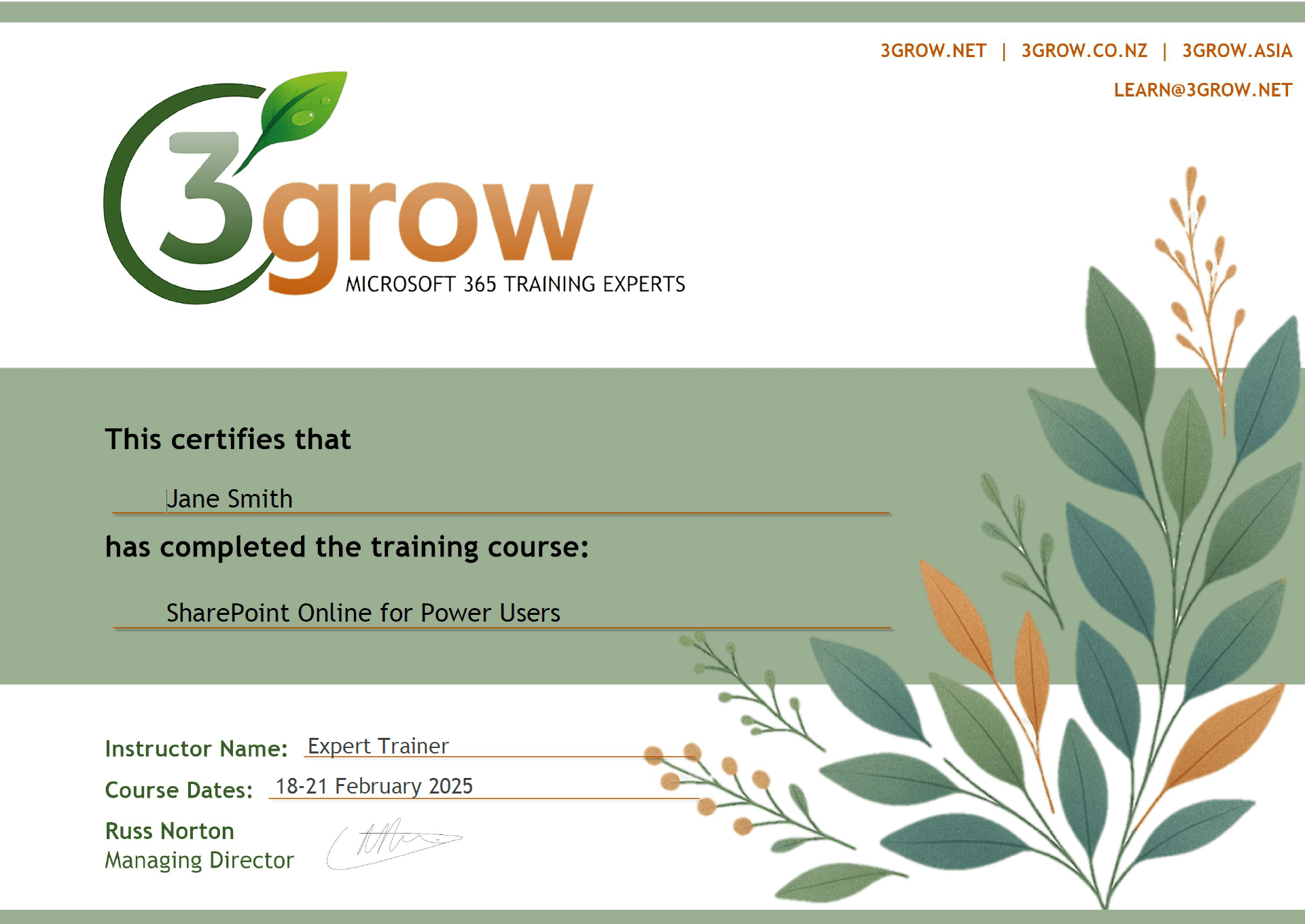
Certificate of Completion
Anyone attending a 3grow course will be provided with a personalised certificate of completion.
Get Hands-on Experience
All 3grow courses include plenty of hands-on experience, delivered via a combination of instructor-led follow-along demos and comprehensive lab exercises.
Personal Class Sizes
Although we allow a maximum of only 10 attendees on our public courses, the average is around 5 students, therefore each participant will leave the course feeling like they received the personal attention they deserve.

