
Microsoft 365 Groups & Microsoft Teams
12 Day
Duration
Beginners
Level
AU$650+GST
per person
Course Overview
Over many years, we have come to understand and love a suite of Microsoft products including products like Outlook and Excel; most of these products have been with us for over ten years and often make the work we do possible.
Microsoft 365 has introduced a range of new products causing much excitement and more than a little confusion. This class will help you to understand two of these newer products, Microsoft 365 Groups and Teams.
We cover the specific details of how to use Groups and Teams, while also looking at the bigger picture to help you understand how you might use them in the real world to improve the way you share files and communicate as a business.
Finally, we discuss the administration process for Groups and Teams, with a review of the management options including security and controlling who can use the tools.
Course Prerequisites
This course is aimed at delegates that have had no previous exposure to Microsoft Teams, or delegates that are very new to Teams. No previous experience is necessary.
Registering Multiple Participants?
A 10% discount will be automatically applied when registering two or more participants for a course.
Do you have 5 or more participants?
Private courses are more cost-effective if you're looking to upskill 5 or more people.
Prerequisites
N/A
Alternative Courses
Teams Basics

Next Steps...
Teams for Team Owners
SharePoint for End Users
Course Modules
Module 1: Microsoft 365 - the Bigger Picture
To provide context to the use and benefits of Microsoft 365 Groups and Teams we need to start with a brief introduction to Microsoft 365. Here we discuss the other major components of Microsoft 365 including Email and SharePoint. By realising the limits of these we can start to understand the benefits of Groups and Teams.
- Overview Microsoft 365
- Other communication tools in Microsoft 365
- Browser, client and mobile apps
Module 2: Getting Started with Microsoft 365 Groups
Now we look at Microsoft 365 Groups in detail, everything from who can create them to daily usage scenarios and limitations. Groups can be accessed from Outlook or a web browser so we will demonstrate both.
- What is a Group?
- Create a Group
- Delete a Group
- Browse Groups
- Use groups from Outlook and the web browsers
- Group Membership (Join and Leave)
- Manage Group Members
- Conversations
- Email a Group
- Files and Notebook
- Planner
- Connectors
Module 3: Getting Started with Microsoft Teams
Next we look at Teams in detail, again starting with how to create them and including specific usage scenarios. There is some overlap between Group and Teams so here we will focus on what is unique to Teams.
- What is a Team?
- Create a new Team
- Use Teams from the Browser and Client Tools
- Activity and Chat
- Manage Teams Members
- Channels and Tabs
- Private & Shared channels
- Working with Files in Teams
- Audio & video calling/conferencing
- Communicating with external contacts
- Hosting & joining remote meetings
- Delete a Team
Module 4: Teams vs SharePoint
During modules two and three you have seen how to use Microsoft 365 Groups and Teams, next we compare these tools to SharePoint, and examine the relationship between them, to help you decide when it is appropriate to use each, based on criteria such as the type or work being performed and the experience of the users involved.
- Benefit of Microsoft Teams
- Benefit of SharePoint
- Business Scenarios for comparison
Module 5: Groups and Teams Administration
Now that you have seen how Groups and Teams are used, the final thing you need to know is how to manage them. This will include how to delete and monitor using Microsoft 365 management tools. We will also discuss how to configure the administration setting to ensure Groups and Teams are optimised for your company.
- Microsoft 365 Groups & Teams Admin
- Delete a Group
Upcoming Dates...
Related Courses...
Course Inclusions...
Certified Trainers
All our trainers are Microsoft 365 experts in their own right, and must first be qualified to teach in our own World Education Alliance (WEA) Training Certification Program before delivering any of our courses.
We feel that it is important that all of the trainers and instructors can take their real-world experiences into the classroom, in order to ensure that they are well equipped to respond to any queries and questions which may be put their way, as well as give accurate and relevant guidance in the most appropriate methods to leverage the technology which SharePoint and its related tools provide.
Course Materials Provided
Our Microsoft 365 courseware is known as being some of the best training materials in the world.
FREE Email Support
We offer free post-course support with all of our courses, available via email, telephone, or our Viva Engage community.
FREE Re-sits within 10 Months
Once you've attended any of our public courses, you can re-sit the same course as many times as you like within the next 10 months, as long as your re-sit course has reached the minimum number of paid attendees required to go ahead.
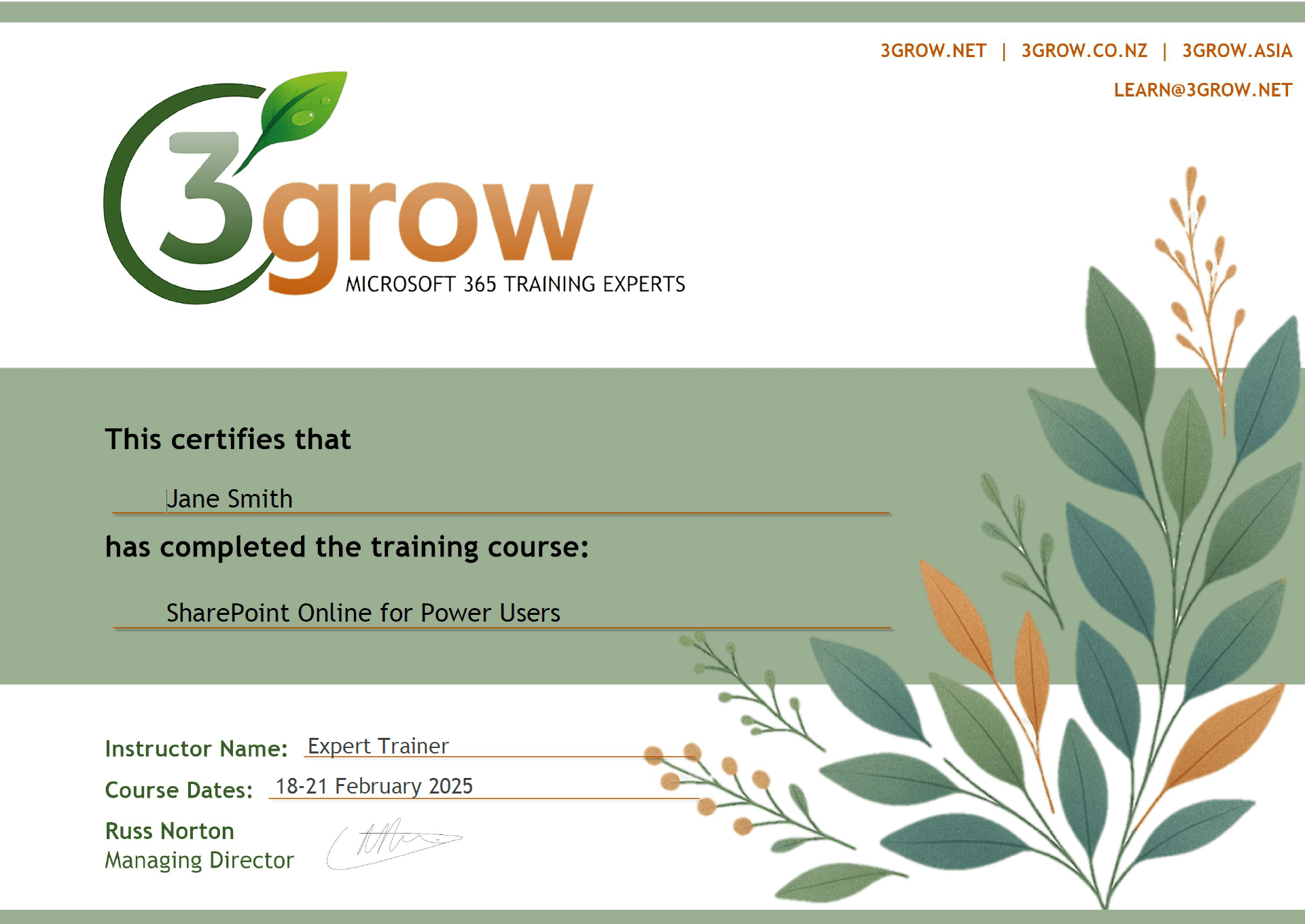
Certificate of Completion
Anyone attending a 3grow course will be provided with a personalised certificate of completion.
Get Hands-on Experience
All 3grow courses include plenty of hands-on experience, delivered via a combination of instructor-led follow-along demos and comprehensive lab exercises.
Personal Class Sizes
Although we allow a maximum of only 10 attendees on our public courses, the average is around 5 students, therefore each participant will leave the course feeling like they received the personal attention they deserve.

