

WARNING: Do NOT Apply this Default Sharing Setting!
With more and more organisations rolling out Microsoft 365 Copilot to their users, ensuring sensitive or confidential information is only available to the right people has never been more vital – that’s why you should NEVER choose this default SharePoint sharing setting…
Microsoft 365 Administrator
3 Days
Duration
Advanced
Level
N/A
per person
Course Overview
What is included in the Microsoft 365 Administrator Course? The student will take away the following objectives:
Understand the architecture of SharePoint Online
Have knowledge of all the components in SharePoint Online
Have on hands on experience configuring the components of SharePoint Online
Have hands on experience configuring the options
Work with Site Collections and storage options
Manage user profiles and social profiling
Understand and configure data connectivity in SharePoint Online
Build a taxonomy structure
Understand and configure Search in SharePoint Online
Configure and deploy apps
Understand and define Enterprise content management and data loss prevention
Configure additional options and features in SharePoint Online such as Information Rights Management
Course Prerequisites
This course is designed for Administrators who need to setup, configure and manage SharePoint Online as part of their Microsoft 365 Administration. As a minimum requirement for this course, delegates need to have a basic understanding of Microsoft 365 and its associated apps. Delegates also need a basic understanding of PowerShell.
Registering Multiple Participants?
Book 2 seats or courses in the same category to save 10%, or 3+ seats to save 20%.
Do you have 5 or more participants?
Private courses are more cost-effective if you're looking to upskill 5 or more people.
Prerequisites
SharePoint for Site Owners
Alternative Courses
Copilot Advanced

Next Steps...
Power Apps for Super Users

Power Automate Super User

Course Modules
Module 1: Introduction to Microsoft 365 & SharePoint
- The Microsoft 365 Administrator Center
- Compare SharePoint on Premises with SharePoint Online
- User identity in Microsoft 365 and SharePoint Online
- Hybrid SharePoint capabilities
- Migration options to SharePoint Online
Module 2: Working with Site Collections
- Understanding the topology of Site Collections
- Creating Site Collections
- Defining ownership and security for Site Collections
- Configuring Storage
- Configure External Access to Site Collections
- Recovering Site Collections
- Configuring External Sharing
- Managing Site Collections with PowerShell
Module 3: Managing User Profiles
- Define custom user properties
- Create Audiences
- Manage Policies
- Configuring Trusted My Site host locations
- Managing My Site Settings
Module 4: Manage Business Connectivity Services
- Overview of the Business Connectivity Services
- Importing and Configuring BDC definition files
- Configure Connections to OData services online
- Configure Connections to OData services to On-Premises
- Defining Secure Store target Application Settings
Module 5: Managing the Term Store
- Configuring Term Store Administration
- Building and Importing Term Sets
- Working with terms
Module 6: Configuring Search
- Configure Managed Properties in the search schema
- Manage Authoritative Pages
- Configure Result sources
- Promote results through Query Rules
- Removing Search results from the Index
- Export and Import Search Configurations
Module 7: Configuring Apps (Add-Ins)
- Create and configure an App Catalog
- Adding Apps via the store
- Manage licenses
- Configure Store access settings
- Monitoring Apps
Module 8: ECM in SharePoint Online
- Components of ECM
- In-Place Records Management
- The Records Center
- The Compliancy Policy Center
- The eDiscovery Center
- Data Loss Prevention
Module 9: Manage Options for SharePoint Online
- Configure OneDrive features
- Define List and library experience
- Configure use of Viva Engage
- Configure Information rights management
- Define new Site classification options
- Enable early release of Microsoft 365 features
On-Demand Schedule
'Microsoft 365 Administrator' is not currently available as a public scheduled course.
Get in touch with the 3grow team to discuss your requirements or enquire about a private on-site or virtual course.
Related Courses...
Course Inclusions...
Certified Trainers
All our trainers are Microsoft 365 experts in their own right, and must first be qualified to teach in our own World Education Alliance (WEA) Training Certification Program before delivering any of our courses.
We feel that it is important that all of the trainers and instructors can take their real-world experiences into the classroom, in order to ensure that they are well equipped to respond to any queries and questions which may be put their way, as well as give accurate and relevant guidance in the most appropriate methods to leverage the technology which SharePoint and its related tools provide.
Course Materials Provided
Our Microsoft 365 courseware is known as being some of the best training materials in the world.
FREE Email Support
We offer free post-course support with all of our courses, available via email, telephone, or our Viva Engage community.
FREE Re-sits within 10 Months
Once you've attended any of our public courses, you can re-sit the same course as many times as you like within the next 10 months, as long as your re-sit course has reached the minimum number of paid attendees required to go ahead.
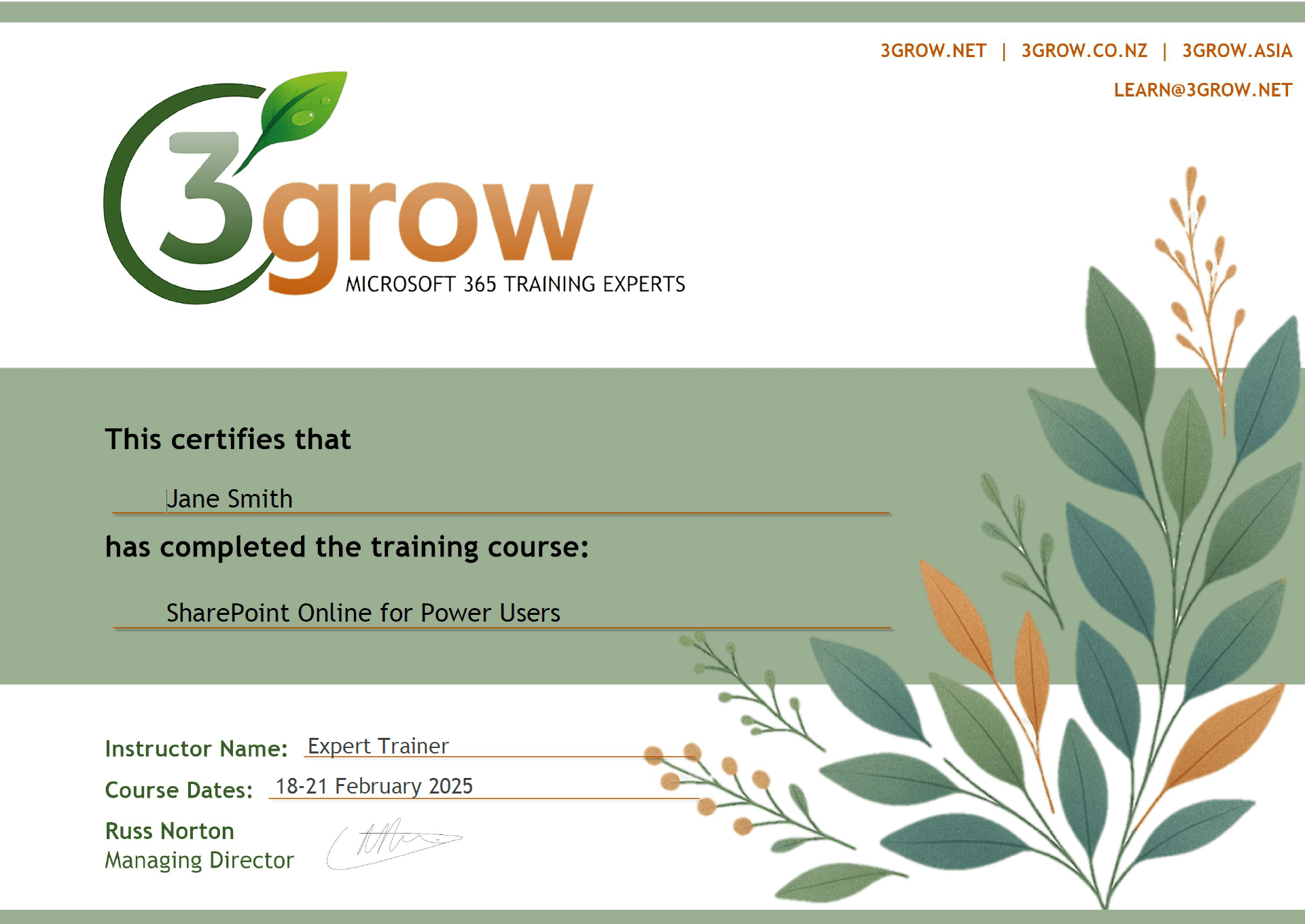
Certificate of Completion
Anyone attending a 3grow course will be provided with a personalised certificate of completion.
Get Hands-on Experience
All 3grow courses include plenty of hands-on experience, delivered via a combination of instructor-led follow-along demos and comprehensive lab exercises.
Personal Class Sizes
Although we allow a maximum of only 10 attendees on our public courses, the average is around 5 students, therefore each participant will leave the course feeling like they received the personal attention they deserve.

