
What is Microsoft Power Apps...?
Microsoft Power Apps is a powerful cloud-based application, available as part of Microsoft 365, that allows users to create apps for the web, mobile, and desktop, as well as being used to customise the forms used natively within SharePoint lists & libraries.
Power Apps for Super Users
2 Days
Duration
Beginners
Level
AU$1,100+GST
per person
Course Overview
3grow’s Power Apps training course delivers a comprehensive instructor-led breakdown of Microsoft Power Apps. Students will be taught how to design, test and publish new applications that work with a variety of data sources.
We will take users through a selection of well-crafted lessons to help them build new applications for their business.
Audience
This class has something for everyone, from beginners who wish to customise their data entry forms in SharePoint right up to advanced users who need to use advanced formulas to deliver more bespoke actions to their applications.
Course Prerequisites
Delegates should have prior experience of using Microsoft 365, including working with Excel data sources and formulas, OneDrive, and SharePoint lists to a reasonably advanced level.
We recommend taking a look at the following courses:
SharePoint Online for Power Users
SharePoint Online for Site Owners
Registering Multiple Participants?
A 10% discount will be automatically applied when registering two or more participants for a course.
Do you have 5 or more participants?
Private courses are more cost-effective if you're looking to upskill 5 or more people.
Prerequisites
SharePoint for End Users
Alternative Courses
Copilot for Super Users

Next Steps...
Build Responsible Power Apps

Copilot Cowork
Course Modules
Module 1: An Introduction to Microsoft Power Apps
Let’s get started with an introduction to Microsoft Power Apps. Traditionally building customised solutions for a business involved using a coding language to build an application from scratch. Typically, these solutions could often only be used within the business, making external use of the application a large hurdle to overcome. With Power Apps we can now not only easily build solutions, but we can also share them with users in our business. Deployment takes seconds and you could by testing your own app on your phone in no time. This module will overview the features of Power Apps, its benefits to a business and the variety of ways you can build and access your apps on different devices.
- What is Power Apps?
- The benefits of apps
- How to get to Power Apps
- Canvas Apps and Model-Driven Apps
- License Options and Costs
- Discover Power Apps with templates
Module 2: Getting started with Power Apps
To begin our journey through the Power Apps product, we will begin by looking at some of the templates that are available to view and edit. Microsoft’s templates are a good starting point to discover what the product is capable off and how it can be achieved. We will also take the chance to have a tour of the editor so that students are familiar with the interface that they will be using over the two-day course. We will then build our first app from a static data source, showing students how to test their changes in the app instantly without the need to publish. We will also discuss how to configure your apps settings and how to access the app once it has been saved and shared.
- Building a new app with a data source
- Add, edit and remove controls
- Testing an app
- App settings
- Publish and share an app
- Mobile app
Module 3: Branding and Media
In our next module, we will look at the options available to designers that allow them to implement their business branding. Not only will this deal with the aesthetics of your app, it will also introduce time-saving tips to help keep your branding consistent. We will also be discussing how to embed media into your app which can be useful if you are planning on an app that might promote video content.
- Linking control properties
- Backgrounds
- Colours and transparency
- Duplicating screens
- Copying the look and feel
- Using images
- Embed and play audio and video
Module 4: Power Apps Controls
So far in the course, we would have covered the basics of adding, editing and removing controls from our applications. The drive behind this module is to provide more depth on the categories of controls which can be used on a form. Your instructor will take you through each control and discuss its purpose and configuration. Tackling the wide selection of controls will help students recognise when to use the right control.
- Labels
- Buttons
- Text inputs
- Controls
- Galleries
- Data tables
- Forms
- Media
- Charts
- Icons
Module 5: Data Sources and Logic
To help maintain and view essential business information, organisations often have a diverse selection of locations to keep different types of data. This could range from databases to file storage locations. Power Apps offers connections to a wide selection of data sources. We will show students to build their Power Apps to bring in data from a variety of sources as well as how they can utilise the common data source, a storage location unique to Power Apps.
- Working with files
- Databases
- Filter, sort and search formulas
- If and Select
- Accessing on-premises sources
- The common data source
- Sharing data sources
Module 6: Model-Driven Apps
Module one to five discussed how to work with the original type of Power Apps known as a Canvas App, Microsoft have now introduced a second type of app known as a model-driven app. Model driven apps involve a different development process to canvas apps. We will review this development process during this module. Model-Driven apps can be quicker to build than canvas apps, but they are less customisable and typically have a higher cost, knowing which type of app to use is not always a simple decision, we will show you the pros and cons of each.
- What is a model-driven app?
- Where will my data be stored?
- How do create a model-driven app
- Canvas vs model-driven summary
- Mobile App
Module 7: Power Apps Integration
Power Apps is designed to easily connect to other business systems to read and update information. In this module we will discuss some simple ways to integrate Power Apps with key Office 365 systems including Teams, SharePoint Online and Flow. The result, is the ability to use a combination of systems to create solutions for a variety of business requirements.
- Start a Flow from Power Apps
- Embed Power Apps in Teams
- Embed Power Apps in SharePoint Online
Module 8: Administration and Maintenance
In our last module for Microsoft Power Apps, we will be looking at how a business can manage their existing apps. This could be using analytics to discover usage trends. We will discover how to export and import apps, so they can be reused in other locations. Finally, we will discuss how Microsoft 365 administrators can shape the Power Apps experience with high-level settings that help ensure data segregation and security.
- Maintaining an app
- View analytics
- Export and import apps
- Office 365 administration for Power Apps
- Environments
- Data policies
- Data integration
Upcoming Dates...
Related Courses...
Course Inclusions...
Certified Trainers
All our trainers are Microsoft 365 experts in their own right, and must first be qualified to teach in our own World Education Alliance (WEA) Training Certification Program before delivering any of our courses.
We feel that it is important that all of the trainers and instructors can take their real-world experiences into the classroom, in order to ensure that they are well equipped to respond to any queries and questions which may be put their way, as well as give accurate and relevant guidance in the most appropriate methods to leverage the technology which SharePoint and its related tools provide.
Course Materials Provided
Our Microsoft 365 courseware is known as being some of the best training materials in the world.
FREE Email Support
We offer free post-course support with all of our courses, available via email, telephone, or our Viva Engage community.
FREE Re-sits within 10 Months
Once you've attended any of our public courses, you can re-sit the same course as many times as you like within the next 10 months, as long as your re-sit course has reached the minimum number of paid attendees required to go ahead.
Certificate of Completion
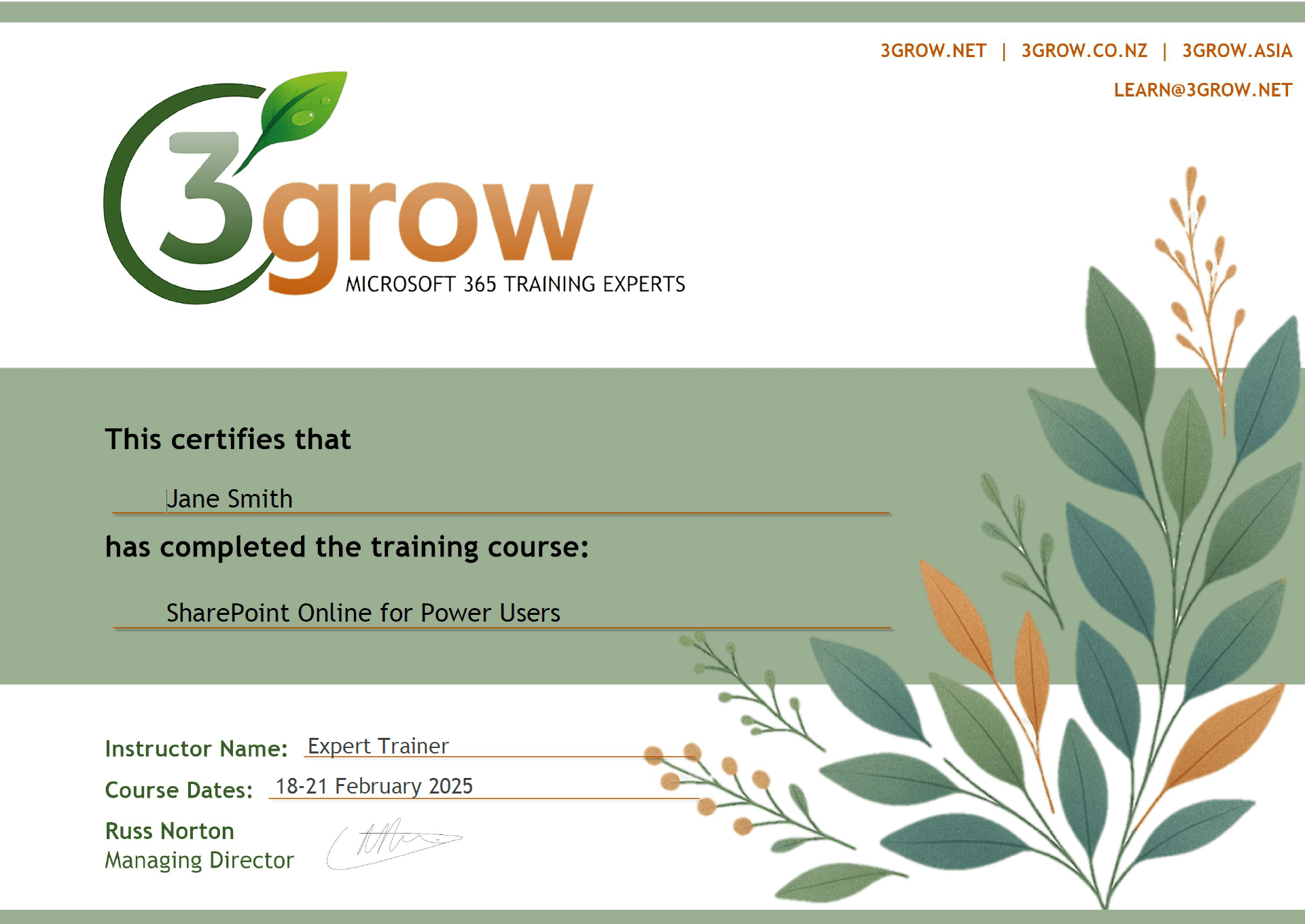
Anyone attending a 3grow course will be provided with a personalised certificate of completion.
Get Hands-on Experience
All 3grow courses include plenty of hands-on experience, delivered via a combination of instructor-led follow-along demos and comprehensive lab exercises.
Personal Class Sizes
Although we allow a maximum of only 10 attendees on our public courses, the average is around 5 students, therefore each participant will leave the course feeling like they received the personal attention they deserve.

