
Microsoft Teams for Team Owners
3 Hours
Duration
Intermediate
Level
AU$290+GST
per person
Course Overview
In this 3-hour Microsoft Teams Owners course, we build on the attendees’ existing end user-level knowledge to cover the specific details of how to set up, manage and maintain Microsoft 365 Groups and Microsoft Teams, while discussing implementation best practices in order to ensure your organisation is making the most of the tools you have at your disposal, and reducing the risk of “Teams sprawl”.
We will also discuss the security model behind Groups & Teams, and how that impacts the underlying SharePoint team site.
Put your skills into practice with comprehensive lab exercises at the end of the session.
Course Prerequisites
This course is aimed at delegates who have previously attended our Microsoft Teams Basics course, or have otherwise gained an equivalent level of knowledge.
If you don’t feel you have the required prerequisite knowledge, we suggest upskilling in the appropriate areas prior to attending in order to make the most of the session.
Registering Multiple Participants?
Book 2 seats or courses in the same category to save 10%, or 3+ seats to save 20%.
Do you have 5 or more participants?
Private courses are more cost-effective if you're looking to upskill 5 or more people.
Course Modules
Module 1: Understanding Microsoft 365 Groups & Team Ownership
This module introduces Microsoft 365 Groups and explains how they underpin Microsoft Teams, SharePoint, Outlook, and other Microsoft 365 services. Participants will learn the responsibilities of a Team Owner and how ownership decisions impact collaboration, communication, and information management.
- Introduction to Microsoft 365 Groups
- Why create a Microsoft 365 Group?
- Understanding the relationship between Groups and Teams
- Components created with a Microsoft 365 Group
- Group mailbox, calendar, SharePoint site, and document library
- Understanding the Team Owner role
- When to create a new Team versus use an existing Team
- Overview of Team lifecycle and ownership responsibilities
- Best practices for managing collaborative workspaces
Module 2: Creating & Managing Teams
This module focuses on the creation and management of Microsoft Teams. Participants will learn how to create Teams, manage membership, and configure settings that help create a productive and secure collaboration environment.
- Creating a Team from an existing Microsoft 365 Group
- Creating a new Team
- Understanding Team types and templates
- Configuring Team settings
- Adding and removing Team Members
- Assigning and managing Team Owners
- Managing guest access
- Understanding Team permissions
- Managing Team notifications and collaboration settings
- Team management best practices
Module 3: Organising Collaboration with Channels & Tabs
This module explores how Team Owners can structure Teams effectively by using channels and tabs to organise conversations, information, and resources. Participants will learn practical approaches to creating team workspaces that encourage engagement and improve content discoverability.
- Understanding Teams and Channels
- When to create new channels
- Standard, private, and shared channels
- Organising conversations and content
- Managing Channel settings
- Creating and managing Tabs
- Adding documents, websites, and applications to channels
- Creating effective team workspaces
- Avoiding common Team design mistakes
- Best practices for Team organisation
Module 4: Managing Documents Through Teams & SharePoint
This module introduces the SharePoint functionality that sits behind every Microsoft Team. Participants will learn how documents are stored, managed, shared, and collaborated on through both Teams and SharePoint.
- Understanding SharePoint's role in Microsoft Teams
- Document management through Teams and SharePoint
- Creating, uploading, and managing files
- Co-authoring documents with team members
- Understanding document libraries
- Sharing files and folders
- Version history and document recovery
- Organising content for easy access
- Working with files across Teams and SharePoint
- Document management best practices
Module 5: Extending Teams with SharePoint Content & Managing Team Lifecycle
This final module demonstrates how Team Owners can enhance Teams using additional SharePoint resources while understanding the impact of permissions, ownership, and deletion processes. Participants will also learn how to manage Teams throughout their lifecycle.
- Presenting SharePoint content within Teams
- Adding SharePoint pages, lists, and libraries as tabs
- Surfacing business information through Teams
- Understanding how Team membership affects SharePoint permissions
- Managing access to Team content
- Understanding ownership and permission inheritance
- Team lifecycle management
- Archiving versus deleting Teams
- Deleting a Team and understanding the impact
- Understanding what happens to associated SharePoint sites and content
- Maintaining an organised and effective Teams environment
Microsoft Training Packages Available
Book two seats on any SharePoint, Copilot, Power Automate, Power Apps, Power BI or Microsoft Office courses to receive a 10% discount, or three or more seats for a 20% discount.
- Discount automatically applied at check-out. See Terms & Conditions for more info.
Upcoming Dates...
Prerequisites
Teams Basics
Alternative Courses
M365 Groups & Teams

Next Steps...
SharePoint for Site Owners
Power Automate Super User

Related Courses...
Course Inclusions...
Certified Trainers
All our trainers are Microsoft 365 experts in their own right, and must first be qualified to teach in our own World Education Alliance (WEA) Training Certification Program before delivering any of our courses.
We feel that it is important that all of the trainers and instructors can take their real-world experiences into the classroom, in order to ensure that they are well equipped to respond to any queries and questions which may be put their way, as well as give accurate and relevant guidance in the most appropriate methods to leverage the technology which SharePoint and its related tools provide.
Course Materials Provided
Our Microsoft 365 courseware is known as being some of the best training materials in the world.
FREE Email Support
We offer free post-course support with all of our courses, available via email, telephone, or our Viva Engage community.
FREE Re-sits within 10 Months
Once you've attended any of our public courses, you can re-sit the same course as many times as you like within the next 10 months, as long as your re-sit course has reached the minimum number of paid attendees required to go ahead.
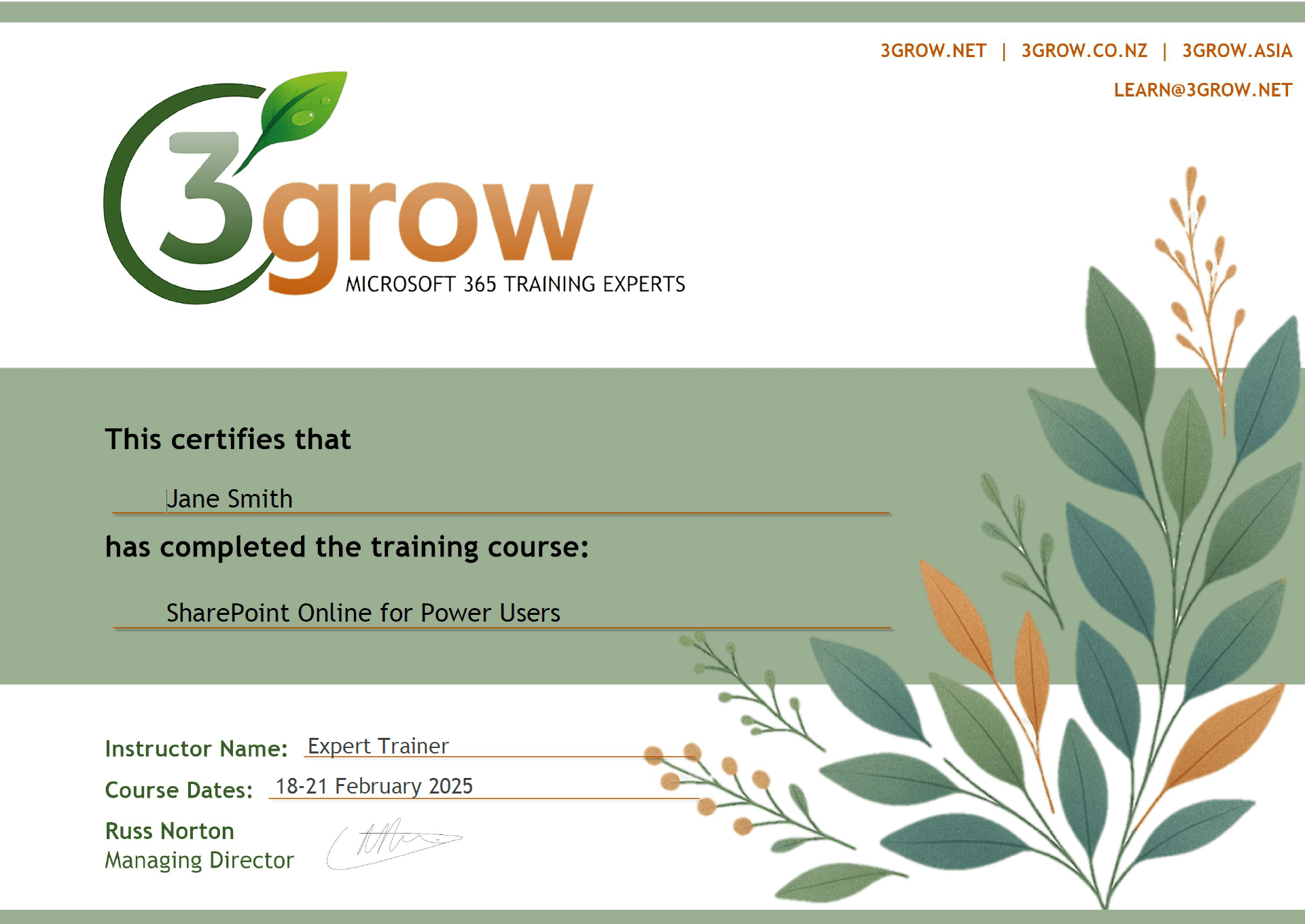
Certificate of Completion
Anyone attending a 3grow course will be provided with a personalised certificate of completion.
Get Hands-on Experience
All 3grow courses include plenty of hands-on experience, delivered via a combination of instructor-led follow-along demos and comprehensive lab exercises.
Personal Class Sizes
Although we allow a maximum of only 10 attendees on our public courses, the average is around 5 students, therefore each participant will leave the course feeling like they received the personal attention they deserve.

