

What is Power Automate?
If you’ve ever wished repetitive tasks could just take care of themselves,
Microsoft Power Automate might be exactly what you’re looking for.
Supercharging your Power Automate Approvals
2 Hours
Duration
Intermediate
Level
AU$190+GST
per person
Course Overview
This 2-hour Power Automate session is designed for users who are already familiar with creating basic approval workflows and want to develop more sophisticated, scalable, and efficient approval solutions.
Participants will explore advanced approval patterns including serial, parallel, and multi-level approvals, before learning how to automate task assignments based on business rules and organisational structures. The course also demonstrates how to reduce bottlenecks through automated reminders, escalations, and delegation processes, ensuring approvals continue moving even when approvers are unavailable.
Finally, participants will be introduced to state machine workflow concepts, enabling them to design flexible approval processes that can adapt to more complex business scenarios. Through practical examples and real-world use cases, attendees will gain the skills needed to build robust approval workflows that improve governance, accountability, and process efficiency across their organisation.
Put your skills into practice with comprehensive lab exercises at the end of the session.
Course Prerequisites
Participants should have a working knowledge of the fundamentals of SharePoint and Power Automate.
If you don’t feel you have the required prerequisite knowledge, we suggest upskilling in the appropriate areas prior to attending in order to make the most of the session.
Registering Multiple Participants?
Book 2 seats or courses in the same category to save 10%, or 3+ seats to save 20%.
Do you have 5 or more participants?
Private courses are more cost-effective if you're looking to upskill 5 or more people.
Course Modules
Module 1: Designing Effective Approval Solutions
This module introduces the principles of approval workflow design in Power Automate and explores the options available when building approval processes. Participants will learn how different approval patterns can be used to support varying business requirements and how to select the most appropriate approach for a given scenario.
- Introduction to Power Automate approvals
- Understanding approval workflow patterns
- Common approval use cases
- Choosing the right approval design
- Approval actions and responses
- Capturing and processing approval outcomes
- Approval workflow best practices
- Common challenges and considerations
Module 2: Building Serial and Parallel Approvals
This module focuses on the most commonly used approval models within organisations. Participants will learn how to create workflows that route approval requests sequentially or simultaneously and understand the advantages and limitations of each approach.
- Understanding serial approvals
- Creating sequential approval processes
- Managing approval dependencies
- Understanding parallel approvals
- Creating concurrent approval paths
- Combining approval outcomes
- Comparing serial and parallel approval models
- Practical business approval scenarios
Module 3: Implementing Multi-Level Approval Processes
This module demonstrates how to create more sophisticated approval workflows involving multiple stages and approvers. Participants will learn how to route requests through different approval tiers and apply business logic to control workflow progression.
- Understanding multi-level approvals
- Designing tiered approval workflows
- Escalating approvals through management levels
- Conditional approvals and branching logic
- Managing approval outcomes between stages
- Handling approval rejections and rework
- Building flexible approval structures
- Real-world multi-stage approval examples
Module 4: Automating Assignments, Reminders, and Delegation
This module explores techniques for improving approval efficiency and reducing delays. Participants will learn how to automate approvals assignments, generate reminders for overdue tasks, and handle situations where approvers are unavailable.
- Automating approval assignments
- Dynamic approver selection
- Using data sources to determine approvers
- Role-based approval routing
- Creating automated reminder notifications
- Escalating overdue approval tasks
- Configuring approval delegation
- Managing out-of-office approvers
- Improving approval turnaround times
Module 5: Advanced Approval Workflows with State Machines
This final module introduces state machine workflow concepts and demonstrates how they can be used to build highly flexible approval processes. Participants will learn how to manage workflows that can move between multiple states while supporting more complex business processes and requirements.
- Understanding state machine workflows
- State-based versus sequential workflow design
- Modelling business processes using workflow states
- Managing multiple workflow outcomes
- Returning to previous workflow stages
- Tracking process status and progression
- Designing reusable approval frameworks
- Monitoring and troubleshooting complex workflows
- Governance and maintenance considerations
- Next steps for advanced Power Automate solutions
Microsoft Training Packages Available
Book two seats on any SharePoint, Copilot, Power Automate, Power Apps, Power BI or Microsoft Office courses to receive a 10% discount, or three or more seats for a 20% discount.
- Discount automatically applied at check-out. See Terms & Conditions for more info.
Upcoming Dates...
Prerequisites
Power Automate Super User

Alternative Courses
Copilot Advanced

Next Steps...
Power Apps for Super Users

Copilot Cowork
Related Courses...
Course Inclusions...
Certified Trainers
All our trainers are Microsoft 365 experts in their own right, and must first be qualified to teach in our own World Education Alliance (WEA) Training Certification Program before delivering any of our courses.
We feel that it is important that all of the trainers and instructors can take their real-world experiences into the classroom, in order to ensure that they are well equipped to respond to any queries and questions which may be put their way, as well as give accurate and relevant guidance in the most appropriate methods to leverage the technology which SharePoint and its related tools provide.
Course Materials Provided
Our Microsoft 365 courseware is known as being some of the best training materials in the world.
FREE Email Support
We offer free post-course support with all of our courses, available via email, telephone, or our Viva Engage community.
FREE Re-sits within 10 Months
Once you've attended any of our public courses, you can re-sit the same course as many times as you like within the next 10 months, as long as your re-sit course has reached the minimum number of paid attendees required to go ahead.
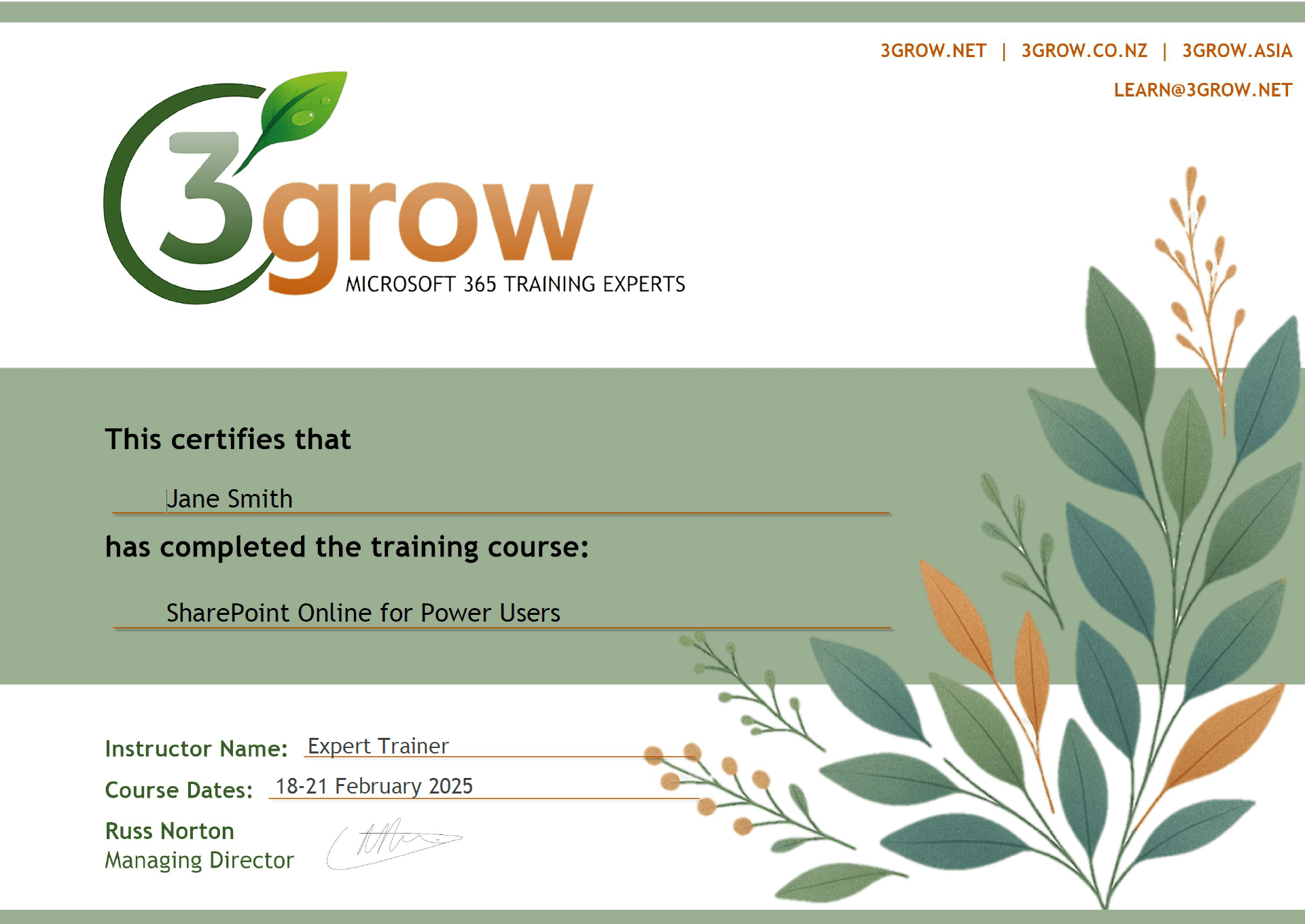
Certificate of Completion
Anyone attending a 3grow course will be provided with a personalised certificate of completion.
Get Hands-on Experience
All 3grow courses include plenty of hands-on experience, delivered via a combination of instructor-led follow-along demos and comprehensive lab exercises.
Personal Class Sizes
Although we allow a maximum of only 10 attendees on our public courses, the average is around 5 students, therefore each participant will leave the course feeling like they received the personal attention they deserve.

