
3grow is a leading provider of Microsoft 365 training, specialising in equipping individuals and organisations with the knowledge and skills needed to maximise their productivity and collaboration on the Microsoft 365 platform.
With local trainers in Australia and partnerships around the world, 3grow offers comprehensive Microsoft 365 training, in-person or online, covering various applications and services such as SharePoint, Teams, OneDrive, the Power Platform and more.
High Quality Microsoft 365 Training by Experienced Instructors
Our experienced trainers, many of them Microsoft Certified, deliver high-quality Microsoft 365 courses, ensuring consistent and top-notch training.
Whether it’s Copilot courses, SharePoint training for your team, leveling up your reporting & data analytics via our Power BI courses, Microsoft 365 end user training, power user training, or development-focused courses, 3grow provides tailored solutions to meet your diverse learning needs.
Through our public courses and private training options, 3grow empowers individuals and organisations to unlock the full potential of Microsoft 365 and enhance their productivity in today’s digital workplace.
Check out our full range of Copilot training courses and start your journey to more efficient workflow...
The only training provider in Asia Pacific dedicated exclusively to Microsoft 365 training. Learn SharePoint, Copilot, Teams, Power Automate, and more with expert-led courses.
Microsoft Training Packages Available
Book two seats on any SharePoint, Copilot, Power Automate, Power Apps, Power BI or Microsoft Office courses to receive a 10% discount, or three or more seats for a 20% discount.
- Discount automatically applied at check-out. See Terms & Conditions for more info.
Recently Released Courses...
Preparing SharePoint for Copilot
 Copilot can only provide trustworthy results when the content it can access is appropriately shared, current & well managed. This workshop helps SharePoint & Teams owners & governance champions understand how Copilot uses organisational content, identify common oversharing & content-quality risks, & implement practical improvements.
Microsoft 365 Copilot Cowork
Our Copilot Cowork course introduces participants to Microsoft's next generation AI-powered digital co-worker.
Participants will learn how Cowork can reason across organisational information, perform multi-step tasks, coordinate actions, and help users complete complex business processes.
Power Apps for SharePoint Users
In this practical course, participants will learn how to customise a SharePoint list form, organise fields and controls, apply simple business rules, work with common SharePoint column types, and publish the completed form for use in SharePoint.
Build Responsive Apps with Power Apps
This practical course introduces makers to the principles & techniques used to create responsive Canvas Apps. Participants will learn how to structure screens with responsive containers, adapt layouts for different screen sizes & orientations, apply consistent branding, and use reusable components.
Auditing SharePoint for Copilot Readiness
This technical workshop provides Microsoft 365 administrators and governance specialists with a structured approach to assessing SharePoint and OneDrive for Microsoft 365 Copilot readiness.
Demonstrations and guided activities culminate in a practical readiness scorecard and prioritised remediation roadmap.

Recent Blog Posts...

Copilot in Excel Will Soon Wrangle Your Data with Plain English
A new Microsoft 365 roadmap item will let Copilot in Excel connect, clean and load external data from a plain English request, building a proper Power Query underneath. Here is what it means in practice and how to prepare.
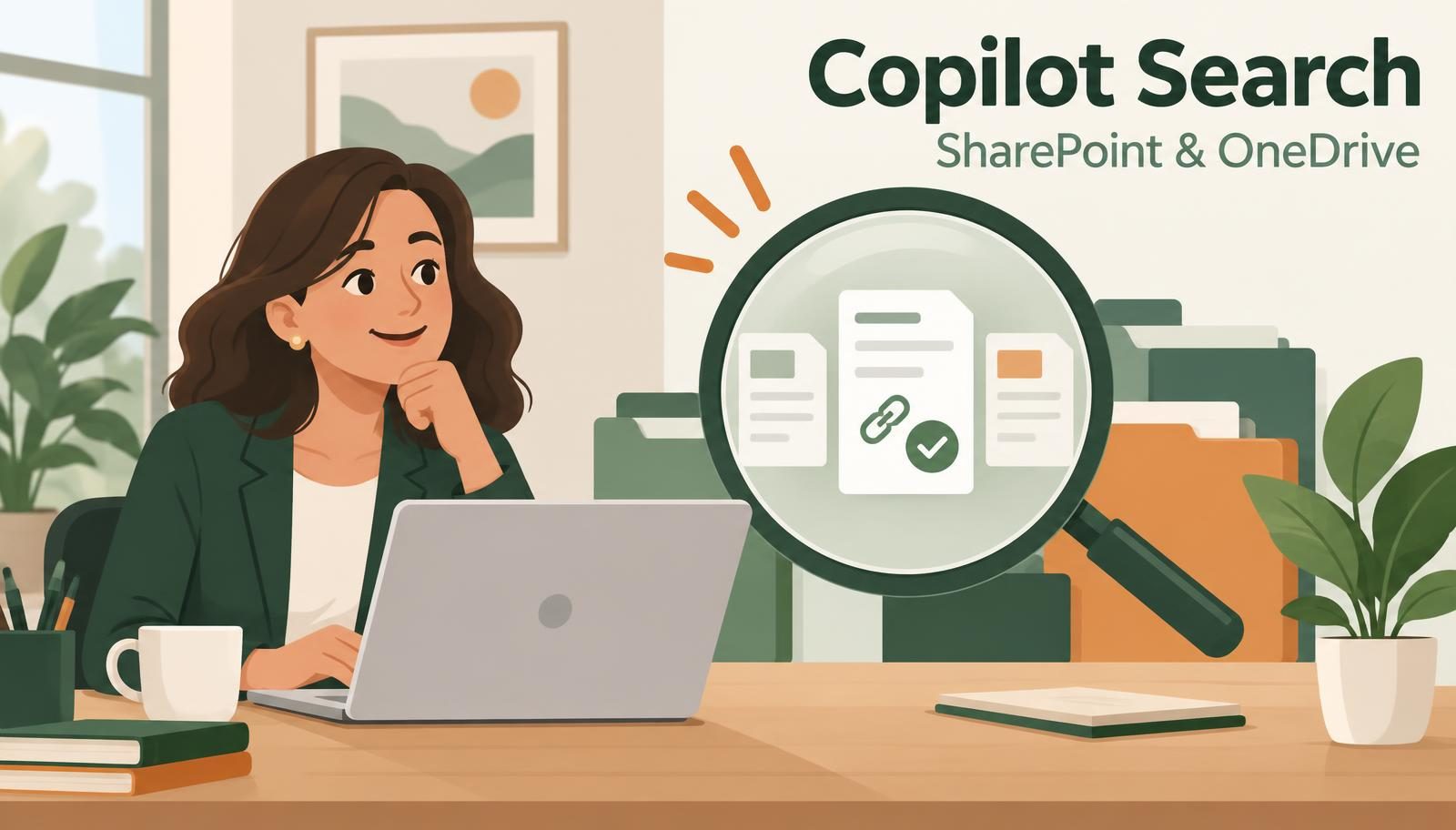
Copilot Search in SharePoint & OneDrive: Less Hunting, More Finding
Can’t remember which folder holds that document—or what someone decided to call it? Microsoft is planning Copilot Search for SharePoint and OneDrive, with natural-language searches, AI summaries and source references. Here’s what the update could mean for everyday work, plus what to tidy up before it arrives.

Refining Your Outlook Drafts with Copilot’s New Conversational Tools
Microsoft is introducing a side-by-side conversational interface to help you iterate and polish your email drafts without starting from scratch.
Microsoft 365 Courses:
Microsoft Office Courses:
Customer Reviews












Microsoft Training Australia locations:
Melbourne
Microsoft Training New Zealand locations:
Wellington
Auckland
Microsoft Training Southeast Asia locations:
Tokyo
〒100-0005 Tokyo, Chiyoda City
Marunouchi
3 Chome−4−1 新国際ビル 8F
Trending Microsoft 365 Training - Online or In-Person
Microsoft 365 Copilot for Super Users
This 2-day Microsoft 365 Copilot training course will teach students who are new to or unfamiliar with Microsoft Copilot how to use it effectively in common situations.
The course focuses on Copilot for Microsoft 365, using the AI tool within applications like SharePoint, Power Apps, Power Automate, Teams, & the Office apps. It also covers AI Builder, and best of all, creating agents with Copilot Studio!

SharePoint Online for Power Users
The first 2 days of this course cover every detail of SharePoint from an End User/Site Member level, such as working with list items and documents, then build on that knowledge in the remaining 2 days, focussing on all the responsibilities expected of a Site Owner.
Delegates attending this course don't require any previous exposure to SharePoint, as we will take you on the entire journey from novice to a fully fledged "super user".

Power BI Advanced Training
This 2-day course covers the latest functionalities and updates in Power BI while diving deep into practical solutions of the common challenges faced by a business user while performing analytics.
During this course, students will learn how to perform more sophisticated data manipulations, best practices and do’s and don’ts of data modelling, AI-enhanced features and visuals and managing the security to build an enterprise-level solution.
The Only Microsoft 365 Training Specialists in Asia Pacific
Unlike other training providers, 3grow is Asia Pacific’s only dedicated provider of Microsoft 365 training courses. This means every course we offer is focused on Microsoft 365 applications — giving you the in-depth knowledge and expertise you won’t find anywhere else.
When you choose 3grow, you’re not just getting a generic training program. You’re partnering with a team of certified professionals who live and breathe Microsoft 365. Whether you’re an IT professional, a team leader, a business owner or end user, our courses are tailored to meet your needs and deliver real-world results.
SharePoint Training
Learn how to build, manage, and optimise SharePoint environments to streamline your business processes.
Copilot Courses
Master the AI-powered Copilot features across Microsoft 365
Power Automate Training
Automate repetitive tasks and improve productivity with no-code solutions.
Power BI Training
Harness the power of data with Microsoft’s leading analytics tool.
Enhance Your Productivity with Microsoft 365 Training
We understand that maximising the potential of Microsoft 365 can revolutionise how your team collaborates and communicates. Our Microsoft 365 training programs are designed to equip your team with the skills to harness the full suite of tools, including Teams, OneDrive, Outlook, Excel, and more. Whether you’re looking to improve remote work efficiency, streamline project management, or enhance document collaboration, our hands-on training ensures you get the most out of Microsoft 365.
Master SharePoint with 3grow’s Expert-Led Training
Our Microsoft SharePoint training courses go beyond the basics to give your team the skills they need to manage and optimise your SharePoint environment. Learn how to create custom workflows with Power Automate, integrate SharePoint with Microsoft 365 apps, and implement best practices for content management and security. With our expert trainers, you’ll gain the confidence to take your SharePoint usage to the next level — empowering your team to work smarter, not harder.
Comprehensive Training for Microsoft SharePoint and Microsoft 365
Whether your team needs foundational training or advanced instruction, our courses cover everything from the basics to advanced techniques. Our Microsoft SharePoint training focuses on features like document management, team sites, and workflow automation, while our Microsoft 365 training provides insights into using tools like Teams, Excel, Power Automate, and OneDrive more effectively. Our goal is to provide you with practical, real-world skills that lead to tangible improvements in your organisation’s performance.