
Upcoming Feature: Interactive Excel Canvas Powered by Copilot
Microsoft has announced a new capability on the Microsoft 365 Roadmap called Excel canvas,
slated for general availability in September 2026.
Enhance Productivity with Copilot
2 Hours
Duration
Beginners
Level
AU$190+GST
per person
Please note that this course covers the same content as module 3 of our 1-day Microsoft 365 Copilot for End Users and 2-day Microsoft 365 Copilot for Super Users courses
Course Overview
In this session, you will learn how to use Copilot with various Microsoft 365 apps to boost your productivity and creativity. We will firstly look at how having a Microsoft 365 Copilot license changes the chat experience in copilot.microsoft.com and how you will find the Copilot app around Microsoft 365. You will then explore how to use Copilot in SharePoint, Word, PowerPoint, Excel, OneNote, Outlook, and Microsoft Designer. You will see how Copilot can generate relevant and engaging text, suggest data visualisations, create professional-looking slides, take smart notes, compose effective emails, and more.
Throughout this sessionwe will reference scenarios which we have collated from a range of partners we work with. This will not only help you to understand how to use Copilot in these Microsoft apps but also understand how these features are changing the way we work.
Put your skills into practice with comprehensive lab exercises at the end of the session.
Course Prerequisites
No previous experience of Microsoft 365 Copilot is required in order to attend this short course, however participants should have a working knowledge of the fundamentals of SharePoint the Microsoft Office suite.
Registering Multiple Participants?
A 10% discount will be automatically applied when registering two or more participants for a course.
Do you have 5 or more participants?
Private courses are more cost-effective if you're looking to upskill 5 or more people.
Course Modules
Module 1: Introducing Microsoft 365 Copilot
This module introduces Microsoft 365 Copilot and explains how a Copilot licence enhances the chat experience at copilot.microsoft.com. Participants will explore where Copilot appears across Microsoft 365 and how it can help them find information, develop ideas, create content, and complete everyday workplace tasks. The module also introduces practical prompting techniques that can be applied throughout the session.
- Understanding Microsoft 365 Copilot
- How a Microsoft 365 Copilot licence changes the Copilot chat experience
- Finding and accessing the Copilot app across Microsoft 365
- Understanding the difference between general AI chat and work-based Copilot experiences
- Working with organisational content in Copilot
- Writing clear and effective prompts
- Providing context, instructions, and desired output formats
- Reviewing, refining, and validating Copilot-generated responses
Module 2: Creating Content with Copilot in Word and PowerPoint
This module focuses on using Copilot to develop, improve, and present business content. Participants will see how Copilot can help create initial drafts, rewrite and summarise existing information, and transform source material into structured presentations. Practical scenarios will demonstrate how Copilot can support the creation of polished documents and slides while keeping the user in control of the final result.
- Drafting documents with Copilot in Word
- Creating content from a prompt or existing source
- Rewriting text for clarity, tone, and length
- Summarising lengthy documents
- Asking questions about document content
- Creating presentations with Copilot in PowerPoint
- Building slides from a prompt or source document
- Summarising and reorganising presentation content
- Improving slide structure and speaker preparation
- Reviewing generated content for accuracy and relevance
Module 3: Working with Information in Excel, OneNote, and SharePoint
This module explores how Copilot can help participants understand, organise, and work with business information. Participants will see how Copilot can assist with analysing data in Excel, summarising and structuring notes in OneNote, and locating or creating relevant content in SharePoint. The emphasis is on using natural-language requests to make information easier to interpret and act upon.
- Exploring and understanding data with Copilot in Excel
- Asking natural-language questions about tables and datasets
- Identifying patterns, trends, and useful insights
- Generating formula suggestions and explanations
- Suggesting suitable charts and data visualisations
- Summarising and organising notes with Copilot in OneNote
- Creating task lists and follow-up points from notes
- Using Copilot to work with SharePoint content
- Finding, summarising, and interpreting organisational information
- Supporting SharePoint page and content creation
Module 4: Managing Communication with Copilot in Outlook
This module demonstrates how Copilot can support everyday email communication in Microsoft Outlook. Participants will explore how to summarise email conversations, prepare effective responses, and adjust the tone and clarity of written messages. The module uses practical workplace scenarios to show how Copilot can reduce the effort required to manage busy inboxes and lengthy conversations.
- Summarising individual emails and conversation threads
- Identifying key points, decisions, and requested actions
- Drafting email messages with Copilot
- Creating replies based on the context of an existing conversation
- Adjusting tone, length, and level of formality
- Improving clarity and structure
- Preparing meeting-related communications
- Reviewing generated messages before sending
- Protecting sensitive information and applying responsible AI practices
Module 5: Creating Visual Content with Microsoft Designer
This final module introduces Microsoft Designer as a tool for producing engaging visual content with AI assistance. Participants will see how prompts can be used to generate design ideas and create visual assets for common workplace communications. The session concludes by connecting the different Copilot experiences and highlighting practical opportunities to incorporate them into everyday workflows.
- Introducing Microsoft Designer and its connection to Copilot
- Creating visual content from a written prompt
- Generating images and design concepts
- Producing graphics for presentations, announcements, and communications
- Customising layouts, colours, images, and text
- Refining generated designs for a specific audience or purpose
- Choosing the appropriate Copilot experience for different tasks
- Combining Copilot capabilities across Microsoft 365
- Reviewing AI-generated content before publishing or sharing
- Identifying practical opportunities to use Copilot in everyday work
Upcoming Dates...
Prerequisites
N/A
Alternative Courses
Copilot for End Users

Copilot Cowork

Next Steps...
Microsoft 365 Copilot Advanced
Related Courses...
Course Inclusions...
Certified Trainers
All our trainers are Microsoft 365 experts in their own right, and must first be qualified to teach in our own World Education Alliance (WEA) Training Certification Program before delivering any of our courses.
We feel that it is important that all of the trainers and instructors can take their real-world experiences into the classroom, in order to ensure that they are well equipped to respond to any queries and questions which may be put their way, as well as give accurate and relevant guidance in the most appropriate methods to leverage the technology which SharePoint and its related tools provide.
Course Materials Provided
Our Microsoft 365 courseware is known as being some of the best training materials in the world.
FREE Email Support
We offer free post-course support with all of our courses, available via email, telephone, or our Viva Engage community.
FREE Re-sits within 10 Months
Once you've attended any of our public courses, you can re-sit the same course as many times as you like within the next 10 months, as long as your re-sit course has reached the minimum number of paid attendees required to go ahead.
Certificate of Completion
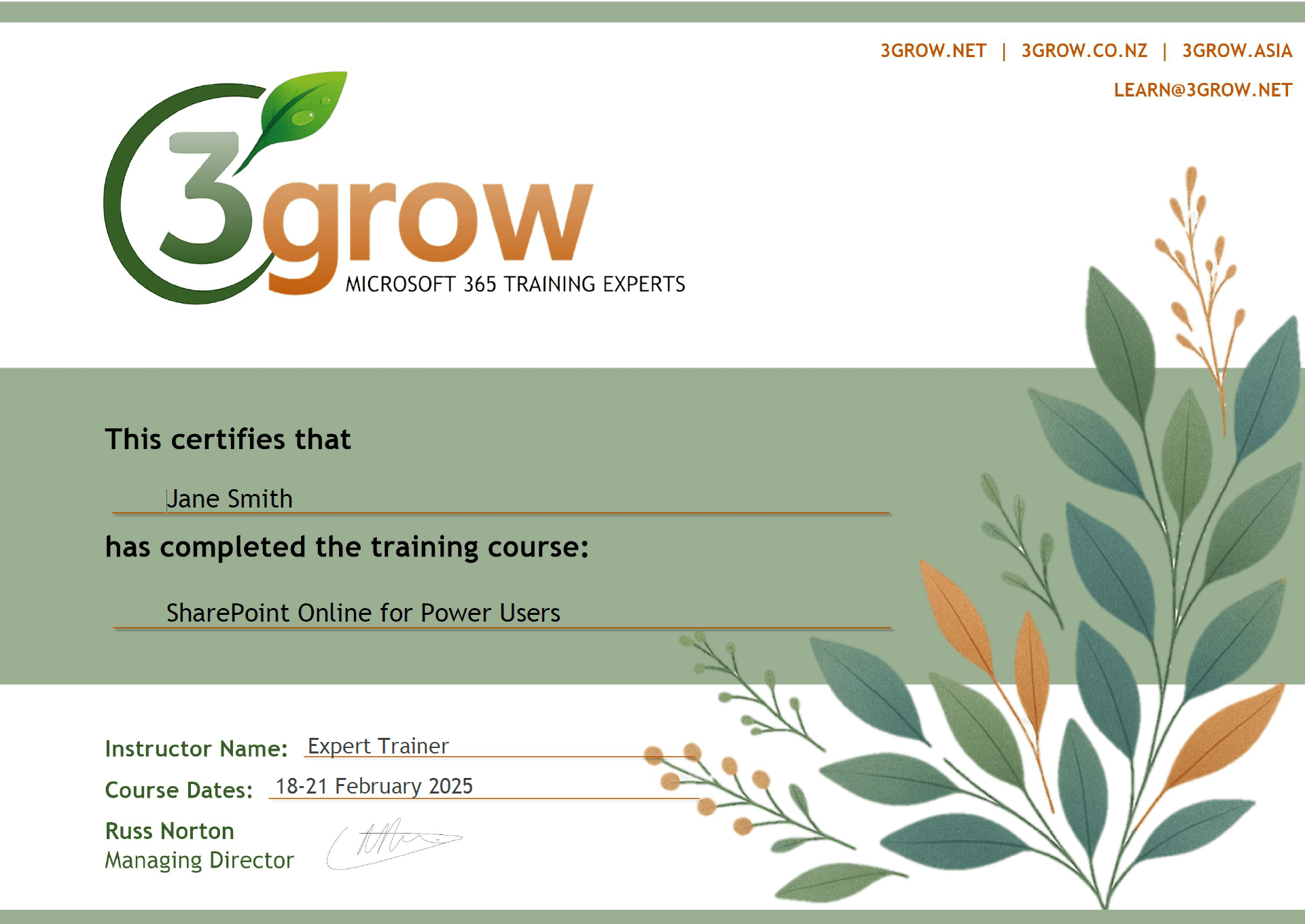
Anyone attending a 3grow course will be provided with a personalised certificate of completion.
Get Hands-on Experience
All 3grow courses include plenty of hands-on experience, delivered via a combination of instructor-led follow-along demos and comprehensive lab exercises.
Personal Class Sizes
Although we allow a maximum of only 10 attendees on our public courses, the average is around 5 students, therefore each participant will leave the course feeling like they received the personal attention they deserve.

