

SharePoint Document Management Masterclass
2 Hours
Duration
Intermediate
Level
AU$190+GST
per person
Course Overview
This 2-hour session provides insights, hints, tips and best practices to take your SharePoint document management practices to the next level. Although this isn’t necessarily an advanced SharePoint course, it is designed to build on participants’ existing knowledge of the SharePoint basics.
Put your skills into practice with comprehensive lab exercises at the end of the session.
Course Prerequisites
Participants should have a working knowledge of the fundamentals of SharePoint and the Microsoft Office suite. It is strongly recommended that participants have previously attended our SharePoint for End Users course, or have otherwise obtained an equivalent level of knowledge.
Registering Multiple Participants?
A 10% discount will be automatically applied when registering two or more participants for a course.
Do you have 5 or more participants?
Private courses are more cost-effective if you're looking to upskill 5 or more people.
Course Modules
Module 1: Modern Document Management in SharePoint
This module introduces the principles of effective document management and explores how SharePoint can be used to improve the organisation, discoverability, and governance of business information. Participants will examine common document management challenges and learn how well-planned information architecture can help users locate the right information quickly and consistently.
- The challenges of managing business information
- SharePoint as a document management platform
- Improving document findability and usability
- Understanding information architecture
- Organising content for long-term success
- Reducing duplication and content sprawl
- Supporting collaboration and knowledge sharing
- Document management best practices
Module 2: Designing Information Architecture with Content Types
This module focuses on Content Types and their role in creating a consistent and scalable document management solution. Participants will learn how Content Types can standardise document classification, improve governance, and ensure that important information is captured consistently across sites and libraries.
- Understanding Content Types
- Why Content Types matter
- Site columns versus library columns
- Standardising document classifications
- Applying metadata through Content Types
- Using templates with Content Types
- Supporting records and compliance requirements
- Practical Content Type scenarios and examples
Module 3: Using Managed Metadata to Improve Findability
This module explores Managed Metadata and how it can be used to categorise, organise, and retrieve information more effectively. Participants will learn how metadata differs from traditional folders and how consistent tagging can significantly improve the user experience.
- Understanding Managed Metadata
- Metadata versus folders
- Creating meaningful classification structures
- The role of term stores and term sets
- Applying metadata to documents
- Enhancing Microsoft Search with metadata
- Filtering, sorting, and grouping content
- Best practices for metadata adoption
- Common metadata design considerations
Module 4: Leveraging Document Sets for Business Processes
This module introduces Document Sets and demonstrates how they can be used to manage related documents as a single unit. Participants will learn how Document Sets support structured business processes and provide a more organised approach to managing collections of information.
- Understanding Document Sets
- When to use Document Sets
- Creating and configuring Document Sets
- Managing groups of related documents
- Sharing common metadata across documents
- Using templates within Document Sets
- Supporting project, client, and case-based content
- Benefits and limitations of Document Sets
Module 5: Maximising SharePoint Through Microsoft Teams
This final module demonstrates how SharePoint capabilities are surfaced through Microsoft Teams and how users can take advantage of SharePoint document management features without leaving the Teams environment. Participants will learn how collaboration and document management work together to create a more productive digital workplace.
- Understanding the relationship between Teams and SharePoint
- Accessing SharePoint documents through Teams
- Managing files within Teams channels
- Collaborating on documents in real time
- Working with metadata and document libraries from Teams
- Sharing and co-authoring documents
- Understanding file storage locations
- Promoting adoption through familiar Teams experiences
- Best practices for document management in Teams
- Next steps for improving document management maturity
Upcoming Dates...
Prerequisites
SharePoint for End Users
Alternative Courses
SharePoint for Site Owners
Next Steps...
Power Automate Super User

Copilot for Super Users
Related Courses...
Course Inclusions...
Certified Trainers
All our trainers are Microsoft 365 experts in their own right, and must first be qualified to teach in our own World Education Alliance (WEA) Training Certification Program before delivering any of our courses.
We feel that it is important that all of the trainers and instructors can take their real-world experiences into the classroom, in order to ensure that they are well equipped to respond to any queries and questions which may be put their way, as well as give accurate and relevant guidance in the most appropriate methods to leverage the technology which SharePoint and its related tools provide.
Course Materials Provided
Our Microsoft 365 courseware is known as being some of the best training materials in the world.
FREE Email Support
We offer free post-course support with all of our courses, available via email, telephone, or our Viva Engage community.
FREE Re-sits within 10 Months
Once you've attended any of our public courses, you can re-sit the same course as many times as you like within the next 10 months, as long as your re-sit course has reached the minimum number of paid attendees required to go ahead.
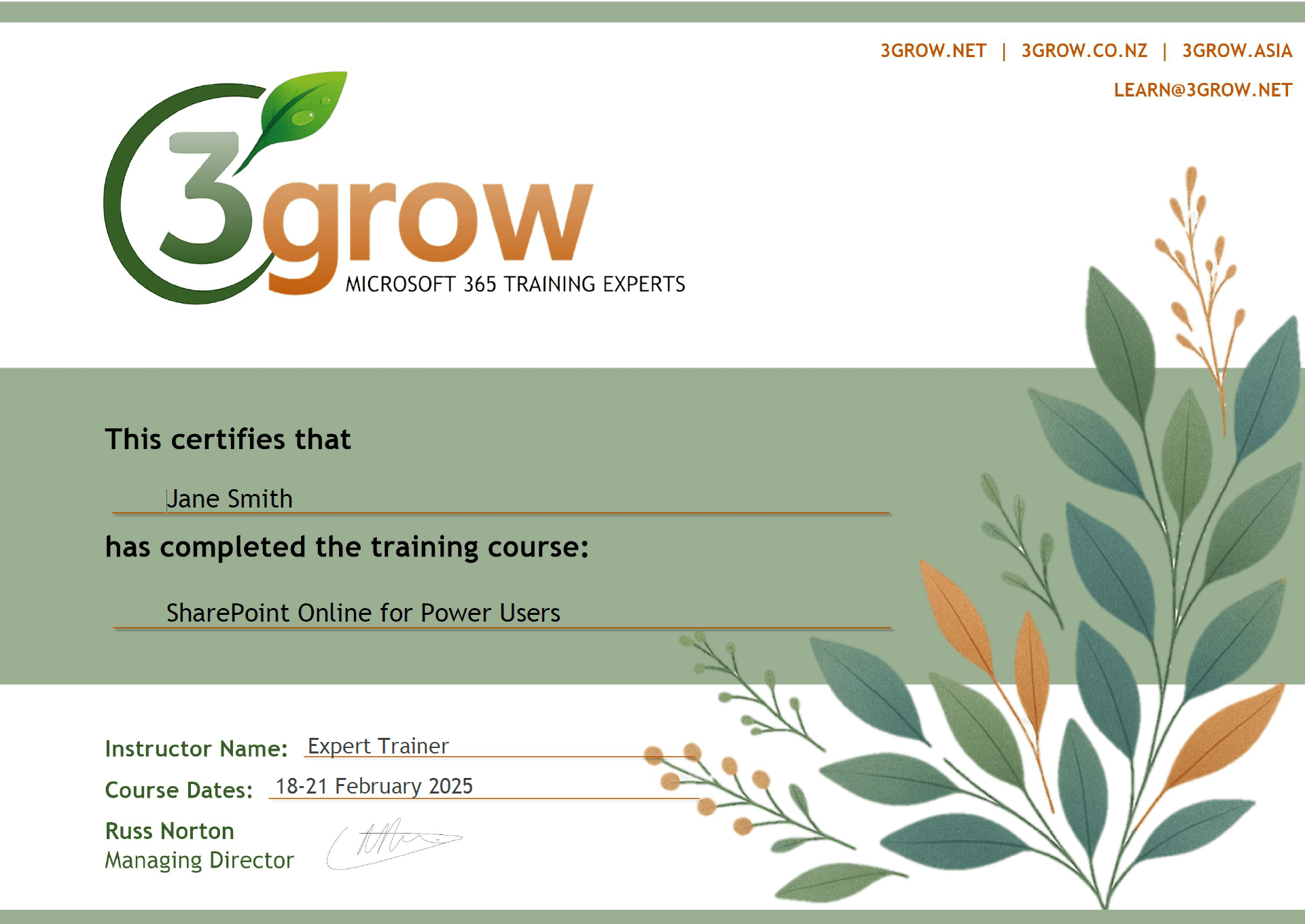
Certificate of Completion
Anyone attending a 3grow course will be provided with a personalised certificate of completion.
Get Hands-on Experience
All 3grow courses include plenty of hands-on experience, delivered via a combination of instructor-led follow-along demos and comprehensive lab exercises.
Personal Class Sizes
Although we allow a maximum of only 10 attendees on our public courses, the average is around 5 students, therefore each participant will leave the course feeling like they received the personal attention they deserve.

