
Creating Agents with Copilot Studio
2 Hours
Duration
Advanced
Level
AU$190+GST
per person
Please note that this course covers the same content as module 2 of our 1-day Microsoft 365 Copilot Advanced course and module 6 of our 2-day Microsoft 365 Copilot for Super Users course
Course Overview
In this session we look at Copilot Studio and Copilot Studio for Teams, and how we can use this app to design Agents (chatbots). We will begin by introducing you to Copilot Studio and Copilot Studio for Teams and discuss what Agents are and the concept of topics. Once we understand what Agents are, we will show you how Agents work in Teams.
To familiarise yourself with this tool we will discuss its interface and how to use the authoring canvas. We will also talk about designing entities which allows you to define terminology which can be used to enhance an Agent further. Once familiar with the designer, we will setup our first Agent, showing you how to create new topics, set up triggers, add nodes and even call a workflow.
Lastly, we will discuss testing your copilot and then how to publish it to Microsoft Teams, concluding with using and maintaining an Agent.
Course Prerequisites
No previous experience of Microsoft 365 Copilot is required in order to attend this short course, however participants should have a working knowledge of the fundamentals of Microsoft 365, especially Teams and Power Automate.
If you don’t feel you have the required prerequisite knowledge, we suggest upskilling in the appropriate areas prior to attending in order to make the most of the session.
Registering Multiple Participants?
A 10% discount will be automatically applied when registering two or more participants for a course.
Do you have 5 or more participants?
Private courses are more cost-effective if you're looking to upskill 5 or more people.
Course Modules
Module 1: Introducing Copilot Studio and Agents
This module introduces Microsoft Copilot Studio and Copilot Studio for Teams. Participants will learn what Agents are, how they can be used to automate common business interactions, and how conversational AI is being used across Microsoft 365. The module also explores the core concepts of topics, conversations, and user interactions before demonstrating how Agents can be deployed within Microsoft Teams.
- What is Microsoft Copilot Studio?
- Understanding Copilot Studio for Teams
- What are Agents and how do they work?
- Common business use cases for Agents
- Understanding topics and conversations
- How users interact with Agents
- Where Agents can be used within Microsoft Teams
- Planning an Agent before development begins
Module 2: Exploring the Copilot Studio Environment
This module familiarises participants with the Copilot Studio interface and the tools available for building and managing conversational experiences. Participants will explore the authoring canvas, learn how conversations are structured, and understand the components that make up an Agent.
- Navigating the Copilot Studio interface
- Understanding the authoring canvas
- Exploring existing topics and system topics
- Understanding conversation flow design
- Working with conversation paths and branching
- Introduction to variables and data collection
- Reviewing Agent configuration options
- Best practices for Agent design and usability
Module 3: Creating and Configuring an Agent
This module focuses on building a new Agent from scratch. Participants will learn how to define terminology using entities, create and manage topics, and configure trigger phrases that help guide conversations. Practical examples will demonstrate how conversational flows can be structured to deliver useful responses to users.
- Creating a new Agent
- Understanding and configuring entities
- Defining business terminology and keywords
- Creating custom topics
- Working with topic trigger phrases
- Building effective conversation paths
- Capturing and using user input
- Testing conversation scenarios during development
- Designing for accuracy and relevance
Module 4: Extending Agent Functionality
This module demonstrates how Agents can be enhanced using conversational nodes and Power Automate workflows. Participants will learn how to create more dynamic interactions, connect to business processes, and automate actions based on user requests.
- Understanding conversation nodes
- Adding message, question, and condition nodes
- Managing conversation branching and logic
- Calling Power Automate flows from an Agent
- Passing information between an Agent and a workflow
- Using workflows to automate business processes
- Designing practical business scenarios
- Troubleshooting common configuration issues
Module 5: Testing, Publishing, and Maintaining Agents
This final module covers the process of validating, publishing, and maintaining an Agent. Participants will learn how to test conversations, publish updates, use Agents within Microsoft Teams, and apply ongoing management practices to ensure quality and reliability.
- Testing an Agent before release
- Identifying and resolving conversation issues
- Publishing an Agent
- Deploying an Agent to Microsoft Teams
- Using and interacting with Agents in Teams
- Monitoring Agent performance and usage
- Updating topics and conversational content
- Maintaining and improving an Agent over time
- Governance, security, and responsible AI considerations
- Next steps and opportunities for further development
Upcoming Dates...
Prerequisites
Copilot End User
Alternative Courses
Copilot Cowork
Next Steps...
SharePoint Power User
Power Apps Super User

Related Courses...
Course Inclusions...
Certified Trainers
All our trainers are Microsoft 365 experts in their own right, and must first be qualified to teach in our own World Education Alliance (WEA) Training Certification Program before delivering any of our courses.
We feel that it is important that all of the trainers and instructors can take their real-world experiences into the classroom, in order to ensure that they are well equipped to respond to any queries and questions which may be put their way, as well as give accurate and relevant guidance in the most appropriate methods to leverage the technology which SharePoint and its related tools provide.
Course Materials Provided
Our Microsoft 365 courseware is known as being some of the best training materials in the world.
FREE Email Support
We offer free post-course support with all of our courses, available via email, telephone, or our Viva Engage community.
FREE Re-sits within 10 Months
Once you've attended any of our public courses, you can re-sit the same course as many times as you like within the next 10 months, as long as your re-sit course has reached the minimum number of paid attendees required to go ahead.
Certificate of Completion
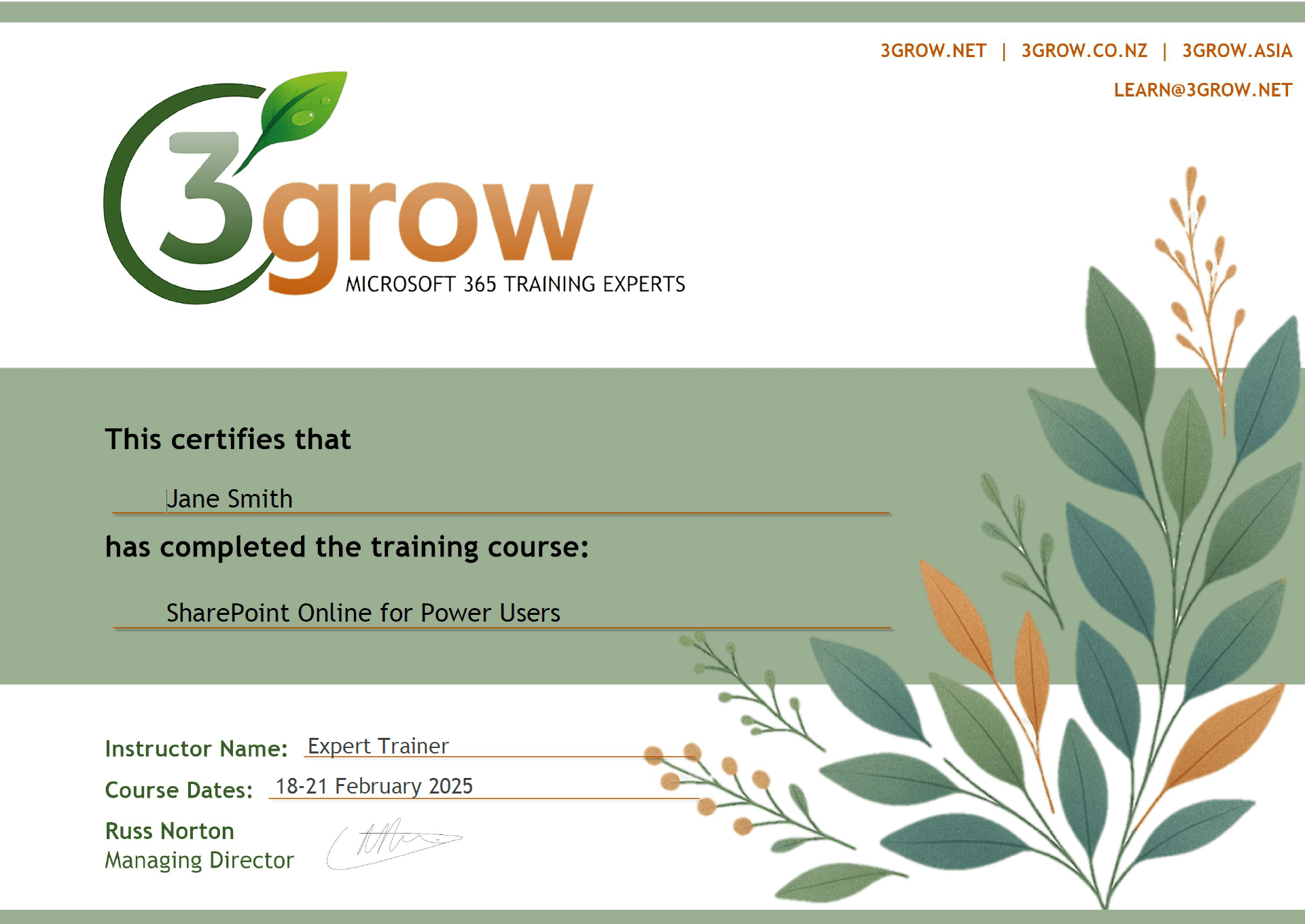
Anyone attending a 3grow course will be provided with a personalised certificate of completion.
Get Hands-on Experience
All 3grow courses include plenty of hands-on experience, delivered via a combination of instructor-led follow-along demos and comprehensive lab exercises.
Personal Class Sizes
Although we allow a maximum of only 10 attendees on our public courses, the average is around 5 students, therefore each participant will leave the course feeling like they received the personal attention they deserve.

