
Say goodbye to the 'blank canvas' panic
We’ve all been there. You’ve got a massive 40-page project report or a dry-as-dust safety PDF that you know needs to be shared, but you also know that half your team will probably only skim the first paragraph. You want to make a quick video to get the point across, but then the reality hits: where do you even start? Video editing has traditionally been one of those tasks that feels like it belongs strictly to the 'creative types' with expensive software and way too much spare time.
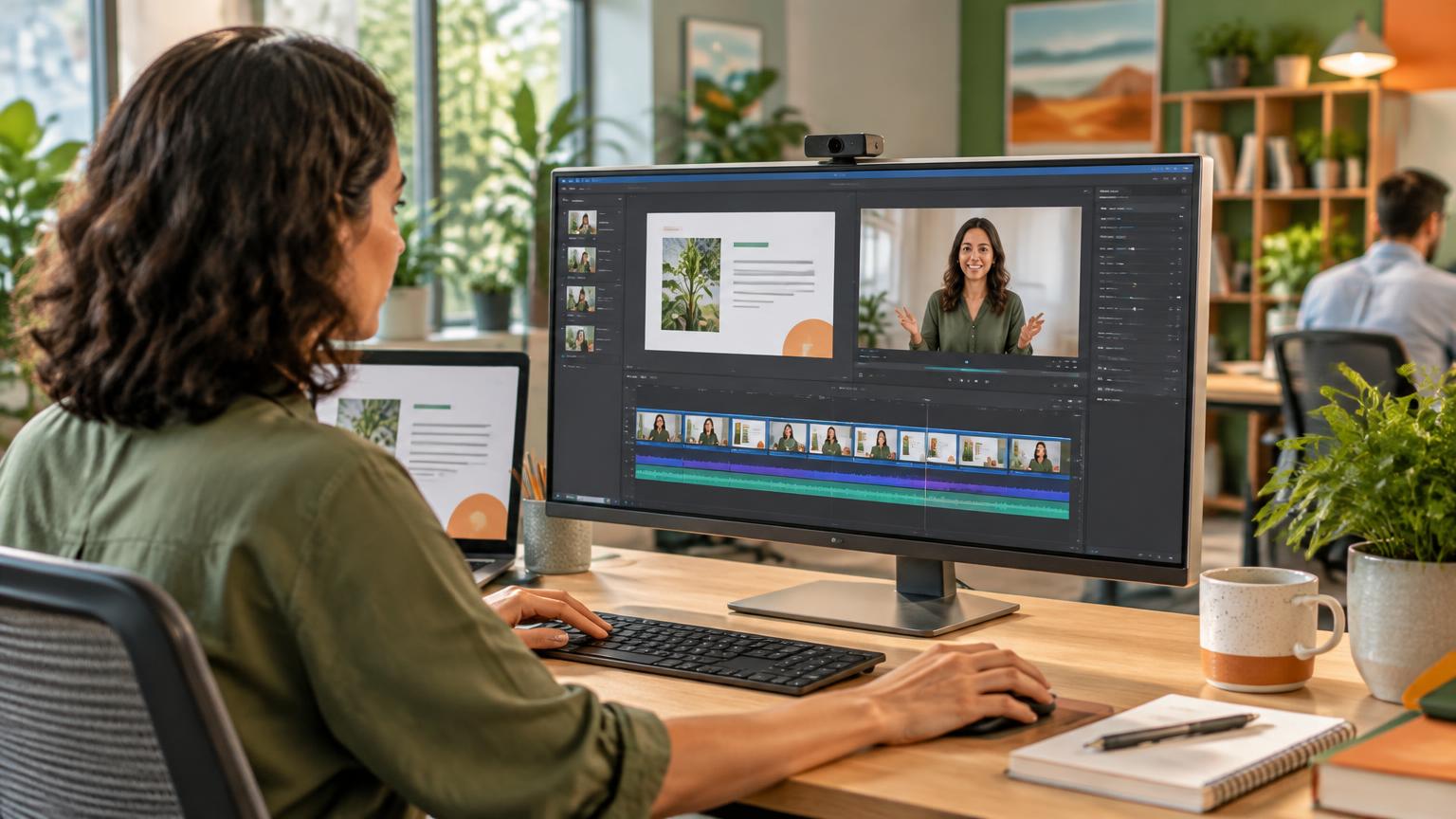
Microsoft is looking to change that narrative. With Copilot integration coming to Clipchamp in early 2027, the goal is to lower the barrier to entry so anyone can produce decent video content without needing a film degree. This isn't just about adding some flashy AI filters; it’s about using your existing work files to build a narrative bridge between a static document and an engaging video.
How it works: Conversational video building
The core of this update is the ability to ground your video creation in the documents you already have. Instead of starting with a timeline and zero assets, you’ll be able to point Copilot toward a Word document, a PDF, or a PowerPoint deck. By using the conversational interface, you can give instructions like, 'Take the key findings from this PDF and turn them into a snappy two-minute summary for the executive team'.
Copilot will then do the heavy lifting: drafting a script based on your text, suggesting the right pacing, and pulling in visual elements. Because it’s integrated with your wider Microsoft 365 environment, it can draw on the context of your organisation to ensure the tone hits the mark. It’s essentially moving video production from a technical 'click-and-drag' chore to a 'chat-and-refine' workflow.
Practical ways to use this at work
You don't need to be making Hollywood blockbusters for this to be useful. In fact, it’s the everyday internal communications where this will likely shine the most. Here are a few ways we see Aussie businesses putting this to work:
Onboarding that actually sticks:
Instead of dumping a 'Welcome to the Company' folder on a new starter's desk, you could transform that introductory Word doc into a 90-second welcome video. It’s more personal, easier to digest, and sets a much better tone for Day One.
Making policies palatable:
Let’s be honest, no one loves reading a 20-page PDF on updated OHS protocols. By feeding that document into Clipchamp, you can generate a video that highlights the top five changes everyone actually needs to know to stay safe.
Monthly project updates:
If you’ve already done the hard work of building a monthly status deck in PowerPoint, you can use that as your source. Copilot can help turn those slides into a 'highlights reel' that you can drop into a Teams channel or a Viva Engage post.
Technical 'How-To' guides:
If you have a technical manual for a new software rollout, you can ground a video in that text to create a step-by-step visual guide. It’s a much faster way to help your colleagues get up to speed than expecting them to read the manual cover-to-cover.
Keeping the 'human' in the loop
As exciting as AI-driven video is, it’s not a 'set and forget' solution. The 'human in the loop' is still the most important part of the process. Copilot is a co-pilot, not the captain. You will still need to review the AI-generated script for accuracy—especially if you’re dealing with technical or sensitive information. AI can occasionally misinterpret a nuance, so a quick sanity check is non-negotiable.
You’ll also want to make sure the visuals align with your brand guidelines and that the final product is accessible. This means checking that captions are accurate and that the pacing isn’t so fast that people miss the point. There’s also the matter of permissions; you need to ensure you have the right access to the source files you’re asking Copilot to use. Finally, keep in mind that availability will depend on your specific Microsoft 365 licensing, so it’s worth checking what your plan covers as we get closer to 2027.
Don't wait until 2027 to start
While the full Copilot integration is still a way off, the best thing you can do right now is get familiar with Clipchamp in its current form. It’s already a surprisingly powerful and user-friendly tool for basic trimming, recording your screen, and adding simple overlays. If you and your team are already comfortable with the manual interface, adding the Copilot layer will feel like a natural shortcut rather than a scary new technology.
The shift toward video-first communication in the workplace is happening whether we’re ready or not. Getting a head start on these tools now means you won't be left behind when the AI tools make it even faster to produce content.
If you want to ensure your team has the skills to make the most of the entire Microsoft 365 ecosystem, including the latest in content creation, check out our Microsoft 365 training options.