Microsoft Teams Basics
3 Hours
Duration
Beginners
Level
AU$290+GST
per person
Course Overview
This 3-hour Microsoft Teams Basics course covers the essential skills which every Teams user requires in order to confidently chat with colleagues and external parties via messenger, make and receive audio & video calls, attend online meetings, collaborate with their business unit, and access their Group’s mailbox & calendar through Outlook.
Put your skills into practice with comprehensive lab exercises at the end of the session.
Course Prerequisites
No previous Teams experience is required, however participants should have a working knowledge of the fundamentals of the Microsoft Office suite.
Registering Multiple Participants?
A 10% discount will be automatically applied when registering two or more participants for a course.
Do you have 5 or more participants?
Private courses are more cost-effective if you're looking to upskill 5 or more people.
Course Modules
Module 1: Microsoft 365, Microsoft Teams, & Microsoft 365 Groups
This module introduces Microsoft Teams as part of the wider Microsoft 365 ecosystem and explains how Microsoft 365 Groups provide the foundation for collaboration. Participants will learn how Groups connect Teams, Outlook, SharePoint, OneDrive, and Planner, and how these services work together to support teamwork and information sharing.
- Introduction to Microsoft 365
- Understanding Microsoft Teams and its role in collaboration
- Introduction to Microsoft 365 Groups
- How Teams, Groups, SharePoint, and OneDrive work together
- Understanding team ownership and membership
- Accessing and using the Group mailbox
- Sending and receiving group conversations
- Working with the Group calendar
- Scheduling and managing team events
- Understanding shared resources and collaboration features
Module 2: Communicating Effectively with Microsoft Teams
This module focuses on the communication capabilities available within Microsoft Teams. Participants will learn how to communicate efficiently using chat, calls, meetings, and status indicators while exploring best practices for team communication and information sharing.
- Understanding conversations in Teams
- Navigating the Activity feed
- Managing notifications and mentions
- Creating and managing one-to-one chats
- Working with group chats
- Sharing files and information in chat conversations
- Presence indicators and availability status
- Making audio calls in Teams
- Making video calls in Teams
- Screen sharing and collaboration during calls
- Using meeting chat and meeting controls
- Best practices for effective communication
Module 3: Collaborating with Internal & External Users
This module explores how Teams supports collaboration both within and outside the organisation. Participants will learn how to connect with external contacts while maintaining security and governance requirements and discover how Teams facilitates seamless collaboration regardless of location.
- Understanding internal and external collaboration
- Communicating with external users
- Guest access versus external access
- Sharing files with external participants
- Collaborating securely with partners and clients
- Understanding permissions and access controls
- Managing conversations across organisational boundaries
- Best practices for external collaboration
- Security considerations when sharing information
Module 4: Working with Teams, Channels & Files
This module focuses on the core collaboration structure of Microsoft Teams. Participants will learn how teams and channels are organised, how documents are stored and managed, and how Teams integrates with SharePoint to provide a powerful collaborative workspace.
- Understanding teams and channels
- Standard, private, and shared channels
- Organising conversations and content
- Understanding channel tabs
- Working with files in Teams
- Creating, uploading, and managing documents
- Co-authoring documents with colleagues
- Understanding file storage in SharePoint
- Accessing version history and document recovery
- Sharing and collaborating on files
- Document management best practices
Module 5: Extending Microsoft Teams with Apps & Integrations
This final module demonstrates how Teams can become a central hub for work by bringing together information, tools, and business processes from across Microsoft 365 and third-party applications. Participants will learn how to access and use apps within Teams to improve productivity and reduce the need to switch between systems.
- Understanding Teams apps and integrations
- Accessing Microsoft 365 apps within Teams
- Working with Planner, OneNote, and SharePoint in Teams
- Adding and managing channel tabs
- Integrating business applications into Teams
- Searching for information across apps and conversations
- Creating a personalised workspace
- Collaborating using integrated tools
- Productivity tips and best practices
- Next steps for Microsoft Teams adoption
Upcoming Dates...
Prerequisites
N/A
Alternative Courses
M365 Groups & Teams

Next Steps...
Teams for Team Owners
SharePoint Power User
Related Courses...
Course Inclusions...
Certified Trainers
All our trainers are Microsoft 365 experts in their own right, and must first be qualified to teach in our own World Education Alliance (WEA) Training Certification Program before delivering any of our courses.
We feel that it is important that all of the trainers and instructors can take their real-world experiences into the classroom, in order to ensure that they are well equipped to respond to any queries and questions which may be put their way, as well as give accurate and relevant guidance in the most appropriate methods to leverage the technology which SharePoint and its related tools provide.
Course Materials Provided
Our Microsoft 365 courseware is known as being some of the best training materials in the world.
FREE Email Support
We offer free post-course support with all of our courses, available via email, telephone, or our Viva Engage community.
FREE Re-sits within 10 Months
Once you've attended any of our public courses, you can re-sit the same course as many times as you like within the next 10 months, as long as your re-sit course has reached the minimum number of paid attendees required to go ahead.
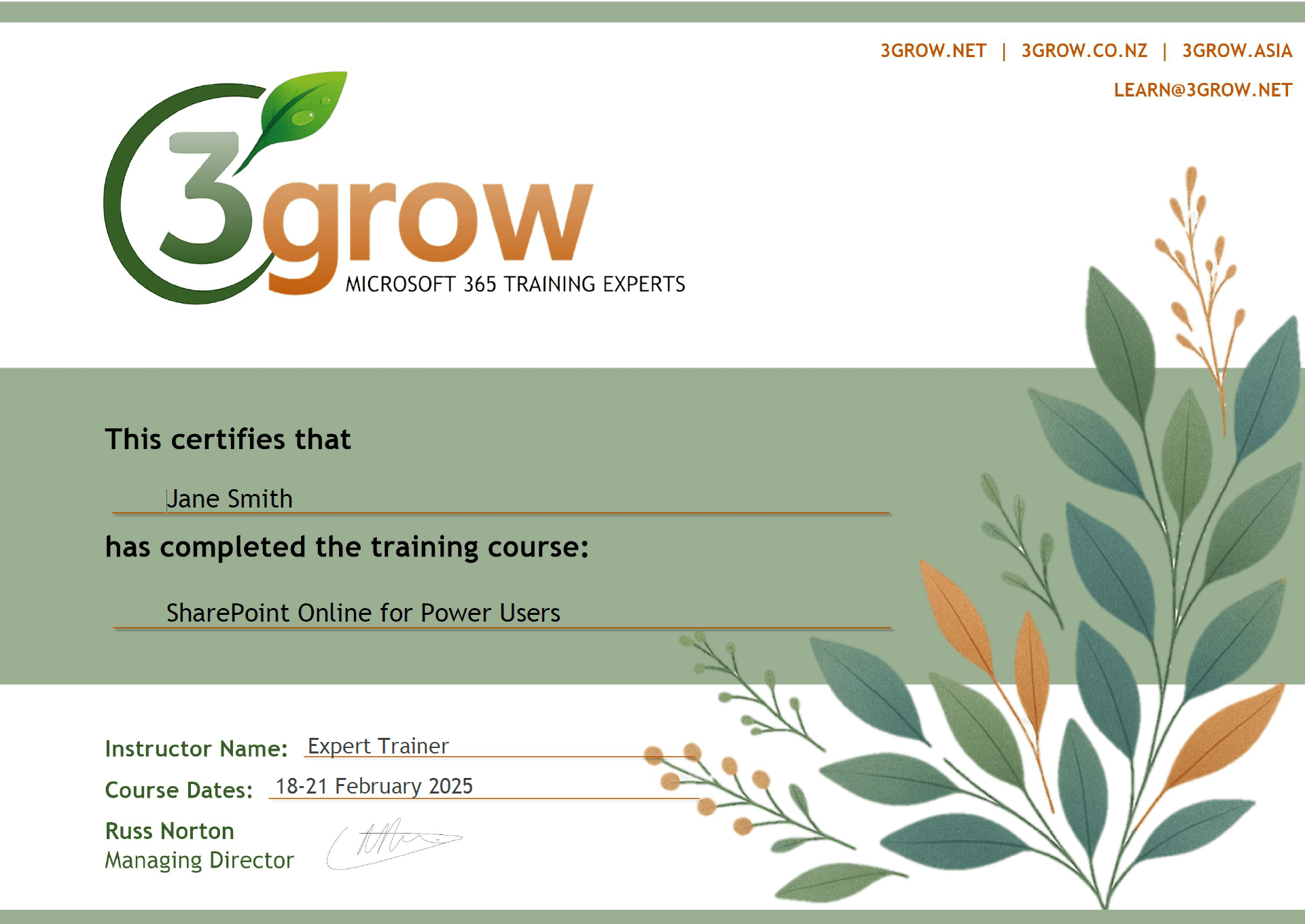
Certificate of Completion
Anyone attending a 3grow course will be provided with a personalised certificate of completion.
Get Hands-on Experience
All 3grow courses include plenty of hands-on experience, delivered via a combination of instructor-led follow-along demos and comprehensive lab exercises.
Personal Class Sizes
Although we allow a maximum of only 10 attendees on our public courses, the average is around 5 students, therefore each participant will leave the course feeling like they received the personal attention they deserve.

