
Microsoft is rolling out a welcome change for organisations that take records management seriously: Microsoft Purview Records Management is integrating with Power Automate. The new capability lets administrators trigger custom workflows when a retention-labelled item reaches the end of its retention period, opening the door to automated disposition approvals, archive moves, notifications and much more.
What is Changing?
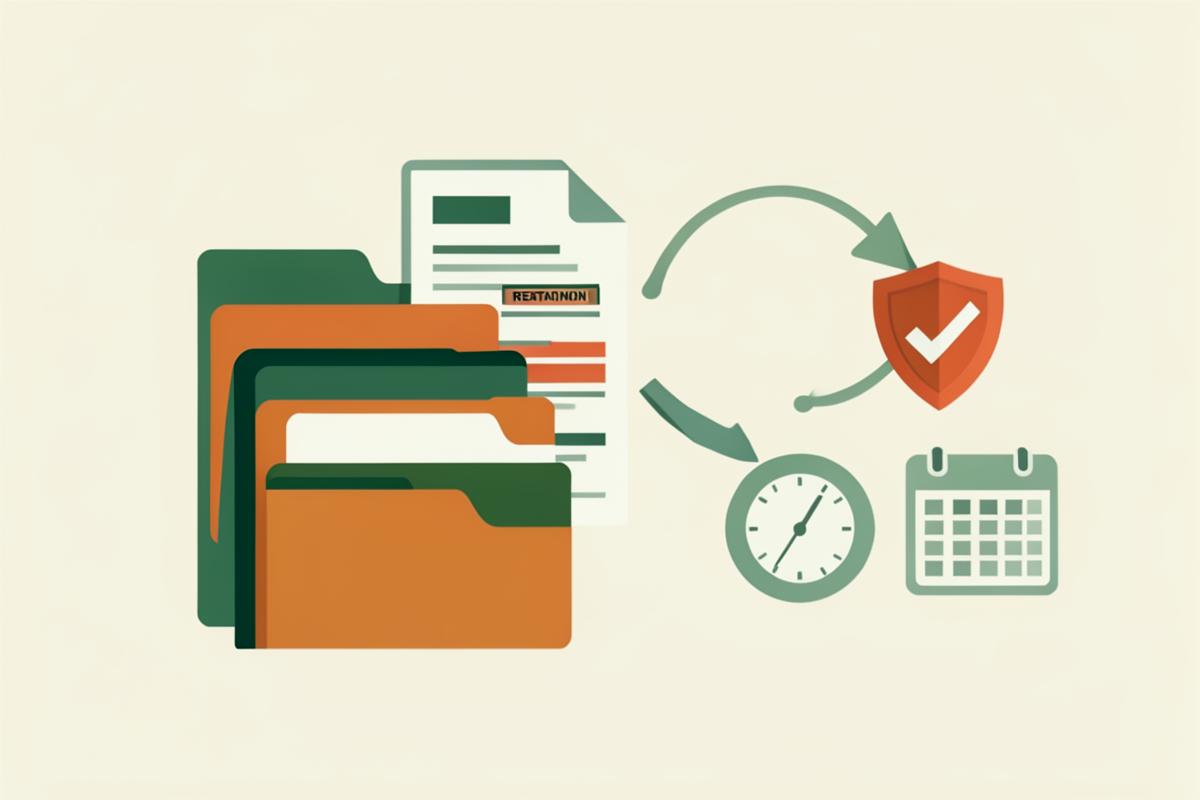
Until now, managing the end of a retention period in Microsoft Purview has been a largely manual or scripted affair. With the new Power Automate integration, admins can configure a flow that starts automatically when an item’s retention label expires. The flow can then carry out almost any action supported by Power Automate and its connectors.
Microsoft describes the feature as a way to “initiate a Power Automate workflow when the item reaches the end of its retention period,” with common examples including a complex disposition approval process or moving the file to an archive location.
What this Means for Organisations
For compliance, legal and records-management teams, this is a significant step forward. Instead of relying on staff to remember review dates or running separate PowerShell routines, the lifecycle of a record can now drive business processes directly. That means:
- Fewer manual hand-offs – retention reviews, approvals and dispositions can run on autopilot.
- Better audit trails – every action taken by the flow is logged, making it easier to demonstrate compliance.
- Consistent governance – the same workflow applies across all items with the same retention label, reducing the risk of human error.
- Faster response times – legal holds, archive moves and notifications happen as soon as the retention period ends, not when someone remembers to check a report.
Practical Examples
Here are a few ways organisations could put the integration to work:
- Disposition approval – when a project file reaches the end of its seven-year retention, Power Automate routes an approval task to the records manager before anything is deleted.
- Archive migration – expired documents are automatically copied to a long-term archive library and then marked for deletion from the active site.
- Stakeholder notification – the relevant business owner receives a Teams message or email with a summary of items approaching disposition.
- Audit report creation – a flow gathers details of all items processed and writes them to a SharePoint list or Excel file for compliance reporting.
Why it Matters for Records Managers
Records managers are often caught between strict retention schedules and the practical reality of day-to-day business. This integration gives them a no-code way to bridge that gap. Because the workflows are built in Power Automate, they can be tailored to each organisation’s approval hierarchy, naming conventions and archive locations without writing custom code.
It also reinforces a broader trend in Microsoft 365: governance is becoming embedded in the tools people already use, rather than sitting in a separate silo.
Getting Ready
The feature is not enabled by default, so administrators will need to configure it once it appears in their tenant. Key preparation steps include:
- Reviewing your current retention labels and policies in the Microsoft Purview compliance portal.
- Mapping out the disposition and approval processes you would like to automate.
- Identifying the Power Automate connectors and actions your flows will need.
- Testing workflows in a non-production environment before applying them to live records.
As always, make sure your team understands both the technical setup and the compliance implications before turning on automated deletion or archive moves.
Want to Build these Skills in your Team?
If your organisation uses Microsoft 365, SharePoint or the Power Platform, staying on top of features like this is essential. 3grow offers practical, instructor-led training that helps end users, power users and administrators get the most from these tools.
Explore our Microsoft 365, SharePoint and Power Platform courses and find a session that suits your team.