
SharePoint Online End User Essentials
1 Day
Duration
Beginners
Level
N/A
per person
Please note that this course contains a sub-set of topics from our 2-day SharePoint Online for End Users course
Course Overview
This course is designed to take attendees through the fundamentals of SharePoint Online, providing an introduction to its core features, and enabling them to utilise its document management functionality and collaborative features.
Attendees will leave at the end of this course with an understanding of the role SharePoint plays within an organisation, as well as all of the knowledge required to successfully navigate around and contribute to their SharePoint Online sites, and collaborate within their team and the rest of their organisation.
This course is designed as a pre-requisite for our SharePoint Online for Site Owners course.
Course Prerequisites
This course is aimed at users with little-to-no prior exposure to SharePoint Online, or those who haven't had the pleasure of any formal training. Experience using the Microsoft Office suite would be highly advantageous.
Registering Multiple Participants?
A 10% discount will be automatically applied when registering two or more participants for a course.
Do you have 5 or more participants?
Private courses are more cost-effective if you're looking to upskill 5 or more people.
Prerequisites
N/A
Alternative Courses
SharePoint for End Users
Next Steps...
SharePoint for Site Owners
Copilot for Super Users

Course Modules
Module 1: Introduction to SharePoint Online & Microsoft 365
This module highlights the uses and benefits of SharePoint Online, and provides an overview of the cloud-hosted tools available through Microsoft 365. Using SharePoint Online as a central repository; managing web content; for team collaboration; expansive searching; social networking; automation; and as a business intelligence centre. Also covered, is the diversity of the product versions and what functionality they include. We will also discuss how we will use a realistic scenario throughout the course that will help the delegates to relate to the content. The following topics are also covered:
- Overview of SharePoint Online
- Central Repository for Information
- Web Content Management
- Team Collaboration
- Search
- Social Computing
- Introduction to the SharePoint interface
- Additional Microsoft 365 tools
Module 2: Working with Lists
Lists serve as the structure for calendars, contacts, tasks and more in SharePoint Online. This module explains the concept of lists, and then reviews popular out-of-the-box options. The operative differences of each option are highlighted through Instructor-led demonstrations. Students learn effective ways to use and contribute to lists. Demonstrations of filters and views highlight usability and efficiency. The following topics are also covered:
- How to Add and Modify Content
- Overview of Default Lists and List Templates
- Add, Modify, and Delete Content in SharePoint Online Lists
- Sort and Filter Content
- Advanced List Features
- Use Default and Custom Views
Module 3: Working with Libraries
A document library is a location on a site where you can create, collect, update, and share files with other people. This module explains the benefits of using a library and teaches the student how best to work with documents in a library. The following topics are covered:
- Introduction to document libraries
- Uploading, creating and deleting documents
- Working with folders
- Working with documents in a library
- Working with document properties
- Sharing documents
- OneDrive vs. SharePoint
On-Demand Schedule
'SharePoint End User Essentials' is not currently available as a public scheduled course.
Get in touch with the 3grow team to discuss your requirements or enquire about a private on-site or virtual course.
Related Courses...
Course Inclusions...
Certified Trainers
All our trainers are Microsoft 365 experts in their own right, and must first be qualified to teach in our own World Education Alliance (WEA) Training Certification Program before delivering any of our courses.
We feel that it is important that all of the trainers and instructors can take their real-world experiences into the classroom, in order to ensure that they are well equipped to respond to any queries and questions which may be put their way, as well as give accurate and relevant guidance in the most appropriate methods to leverage the technology which SharePoint and its related tools provide.
Course Materials Provided
Our Microsoft 365 courseware is known as being some of the best training materials in the world.
FREE Email Support
We offer free post-course support with all of our courses, available via email, telephone, or our Viva Engage community.
FREE Re-sits within 10 Months
Once you've attended any of our public courses, you can re-sit the same course as many times as you like within the next 10 months, as long as your re-sit course has reached the minimum number of paid attendees required to go ahead.
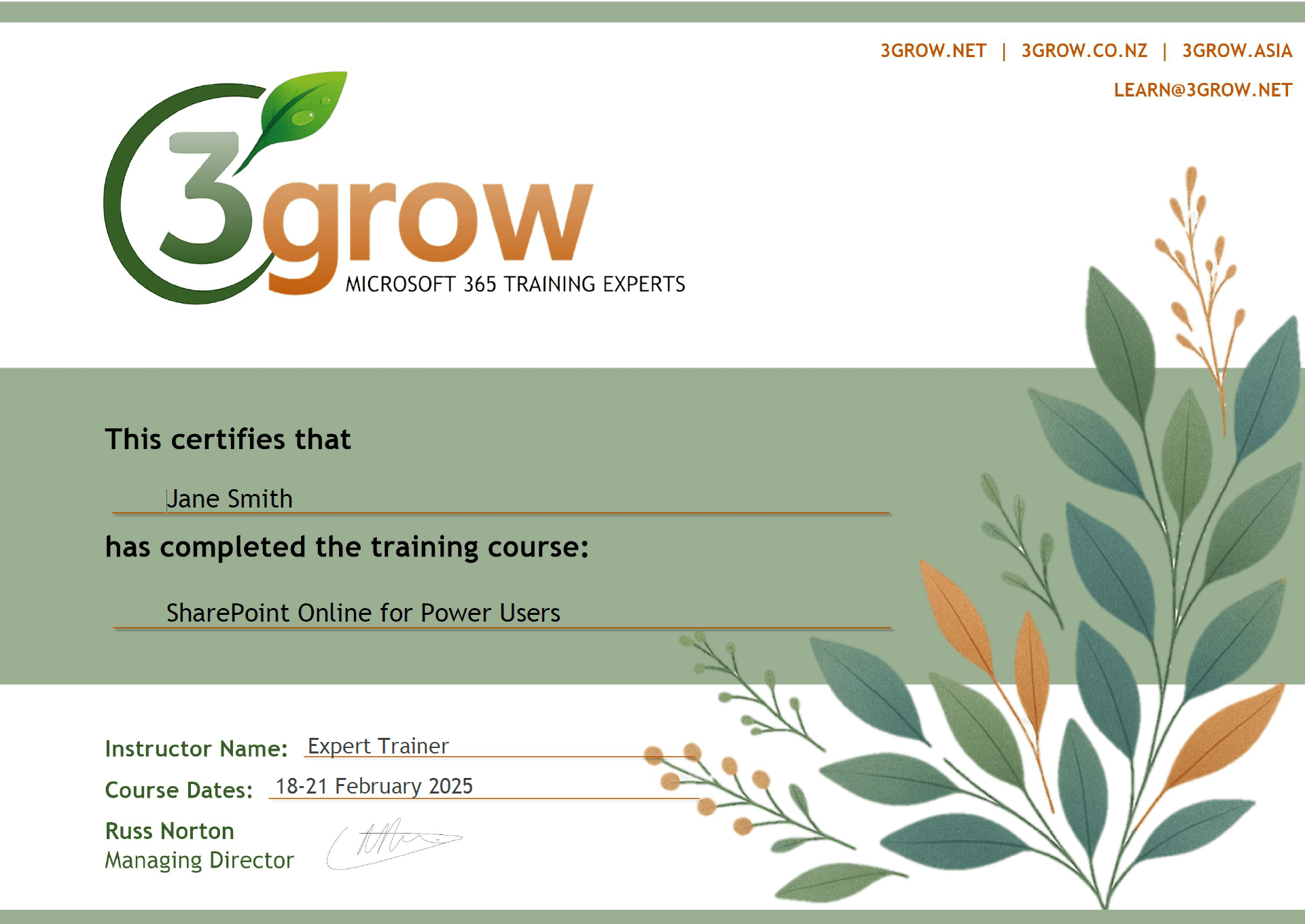
Certificate of Completion
Anyone attending a 3grow course will be provided with a personalised certificate of completion.
Get Hands-on Experience
All 3grow courses include plenty of hands-on experience, delivered via a combination of instructor-led follow-along demos and comprehensive lab exercises.
Personal Class Sizes
Although we allow a maximum of only 10 attendees on our public courses, the average is around 5 students, therefore each participant will leave the course feeling like they received the personal attention they deserve.

