
Three brand-new short courses have just landed at 3grow - bite-sized, live online sessions designed to give your team a genuinely useful skill in a single sitting, without losing a whole day of work.
Each one is delivered remotely by a live instructor, capped to keep things hands-on, and available to book right now.
Microsoft 365 Copilot Cowork
3 hours | AU$290+GST per person
Copilot has moved well beyond a chat box. Copilot Cowork is Microsoft's AI-powered digital co-worker: it can reason across your organisation's information, plan and carry out multi-step tasks, and help people finish real business processes rather than just draft a paragraph.
In three practical hours you'll learn how to delegate work to Cowork, pull insights out of the emails, meetings, chats and documents already sitting in Microsoft 365, write instructions that produce reliable results, and build sensible human-review habits around it all.
You'll cover
- How agentic AI differs from conversational AI - and where the value actually is
- Enterprise search, executive summaries, status reports, actions and risks
- Goal-based prompting, context, source documents and output formats
- Workflow assistance, meeting prep and follow-up, working alongside Power Automate
- Personalisation, adoption, governance and measuring success
Ideal for: managers, project coordinators, administrators and knowledge workers in organisations rolling out Copilot.

Power Apps for SharePoint Users
2 hours | AU$190+GST
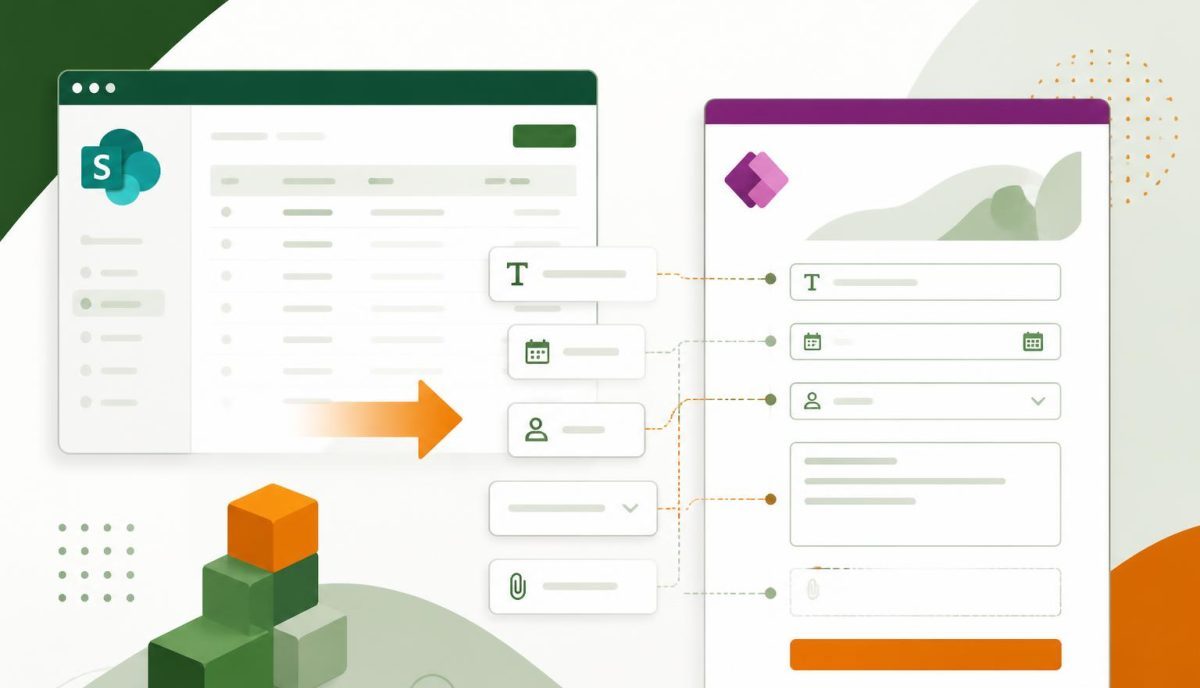
If your team lives in SharePoint lists, this is the fastest win available. Standard list forms are fine, until they aren't - too many columns, no guidance for the person filling them in, and data quality that slowly drifts.
In two hours you'll learn to replace a standard SharePoint list form with a tailored Power Apps form: organising fields and controls, handling the trickier SharePoint column types, applying simple business rules, and publishing the finished form back to the list for everyone to use.
Ideal for: SharePoint site owners and SharePoint power users who want better forms without becoming developers. Some SharePoint list experience assumed.

Build Responsive Apps with Power Apps
2 hours | AU$190+GST
An app that looks great on a laptop and falls apart on a phone doesn't get used. This session covers the techniques app makers need to build Power Apps Canvas Apps that behave properly on every screen.
You'll work with responsive containers, layouts that adapt to screen size and orientation, and the design patterns that keep an app consistent and intuitive whether it's opened on a desktop, a tablet in a meeting room, or a phone on site.
Ideal for: anyone already building Canvas Apps who wants them to feel professional on mobile.
Why short courses?
Not every skill needs a full day in a classroom. These sessions are deliberately short and specific: one topic, live instruction, practical exercises, and something your team can apply the same afternoon. They're delivered online, so anyone in Australia, New Zealand or across Asia-Pacific can join from their desk.
Prefer a private session for your team?
All three courses can be delivered privately for your organisation — online or on-site anywhere in Australia — and tailored to your own SharePoint sites, lists and business processes. Get in touch for a quote.
Browse everything we run on the 3grow course listings page, or contact us if you'd like help choosing the right course for your team.